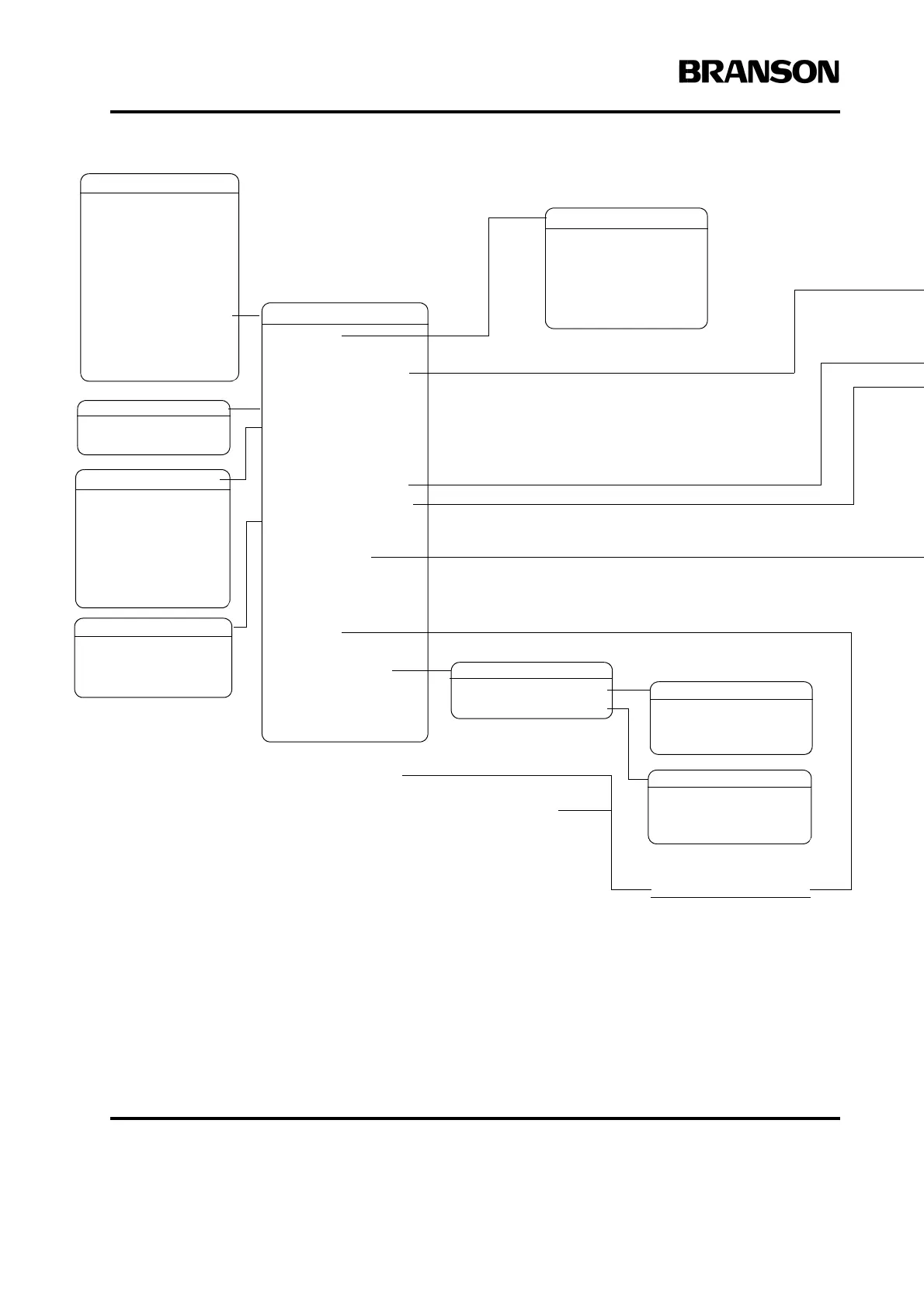
MAIN MENU Pg1of6
Run Screen
Weld Setup
Save/Recall Presets
Print Menu
Diagnostics
System Information
System Configuration
View Current Setup
SYS CONFIG Pg1of19
Language>
Units= Metric
Password> Off
Start Screen= Main
Preset Counter
RS232> Terminal
Welder Addr = Off
Gen Alarm Reset= On
Time> 12:00
Date> 02/04/99
Beepers> On
Amp control= Int
Act Settings>
Extra Cooling = Off
Hand Held** = Off
Ext Presets Off
User I/O>
Bargraph Scales>
Digital Filter= On
PRESET COUNT
Pg1of1
RS232 Pg1of4
Host CW2000> Off
Terminal> On
ASCII(comma) Off
ASCII(tab) Off
ASCII(space) Off
BEEPERS Pg1of1
Trigger Beeper* = On
Error Beeper = On
SCALES Pg1of1
Weld Scale> 1x
TEST SCALE
Pg1of1
1x= Off
WELD SCALE
Pg1of1
1x= On
LANGUAGE
Pg1to3of3
English = On
German = Off
Spanish = Off
* “Trigger Beeper” is replaced
with “Release Beeper” for
Hand Held operation only.
** Use with AE actuator only.
HH will not be available if an
aed or aef actuator is detected
at power up or after an e-stop.
*** ”Select Preset” not avail-
able for this Input.
USER I/O Pg1of10
J3-32> INPUT
J3-33> INPUT
J3-19> INPUT
J3-17> INPUT
J3-31> INPUT
J3-1***> INPUT
J3-36> OUTPUT
J3-8> OUTPUT
J3-22> OUTPUT
User I/O Inputs
Disabled
Select Preset***
Ext U/S Delay
Display Lock
Ext Signal
Sonics Disable
User I/O Outputs
Disabled
No Cycle Alarm
Cycle OK
Missing Part
Confirm Preset
Amplitude Decay
Ext Beeper
O/L Alarm
Mod Alarm
User Input = 0V










 To Next Page