2-131
Confidential
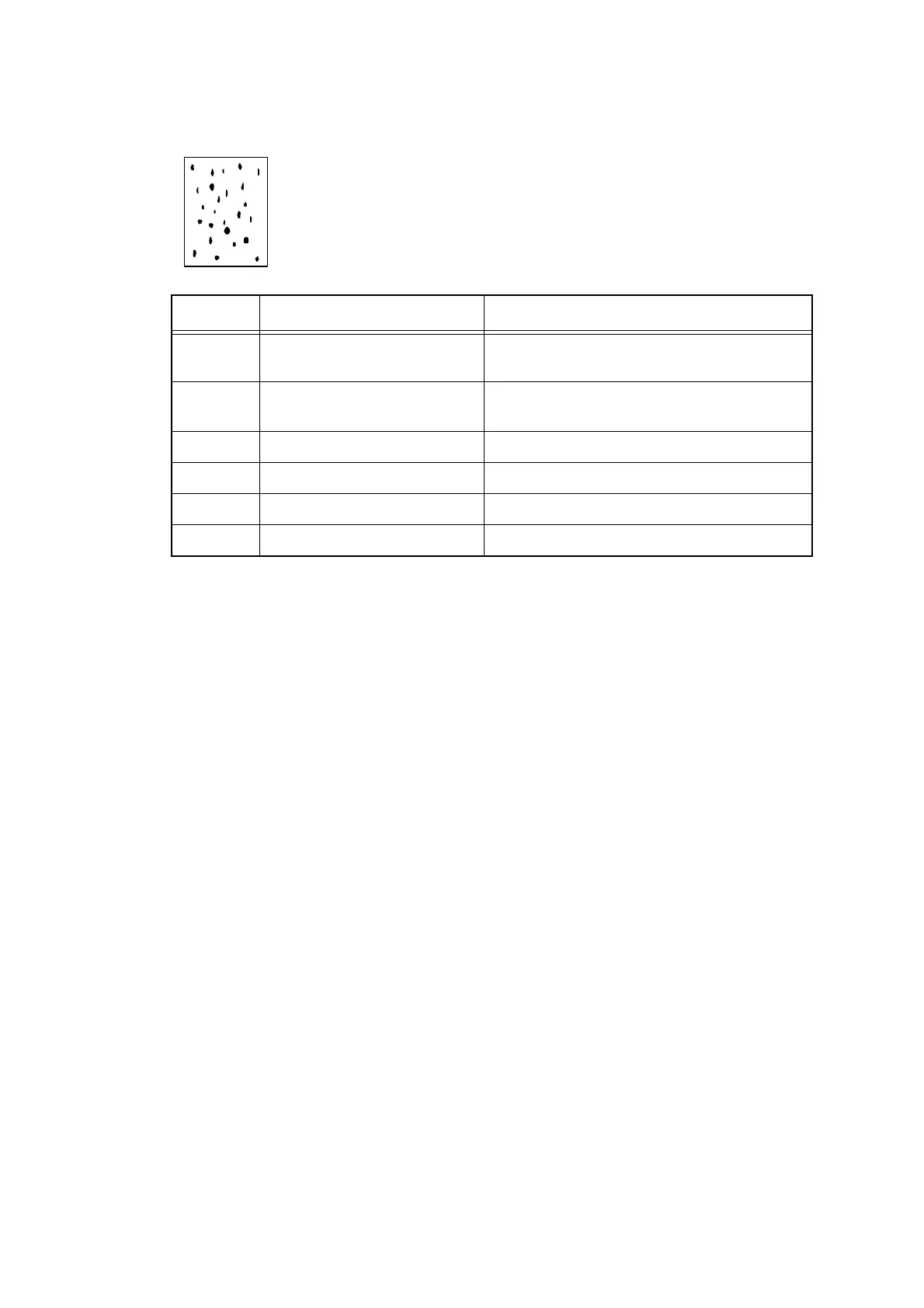
■ Black spots
<User Check>
- Perform head cleaning.
Step Cause Remedy
1 Dirt in the paper feed system Refer to
"
Cleaning procedure using the
cleaning sheet
"
and perform cleaning.
2 Dirt in the paper feed system
Dirt in the paper feed roller
Refer to "Paper feed roller cleaning procedure"
and clean the dirt in the paper feed roller.
3 Glass stage dirty Clean the Glass stage.
4 Glass stage failure Replace the platen unit.
5 Head cap failure Replace the ink head.
6 Main PCB failure Replace the main PCB ASSY.



 To Next Page
 Loading...












