CONSOLE AI | Configuration - Offline (Huddle) | 102
Feature Description
Limiter Establishes a ceiling level for the output.
To change the properties for a Speaker channel:
1. In the Navigation panel, choose Channel Properties.
The Channel Properties screen appears:
2. Click Speaker to open the channel list.
3. Select the channel you want to change.
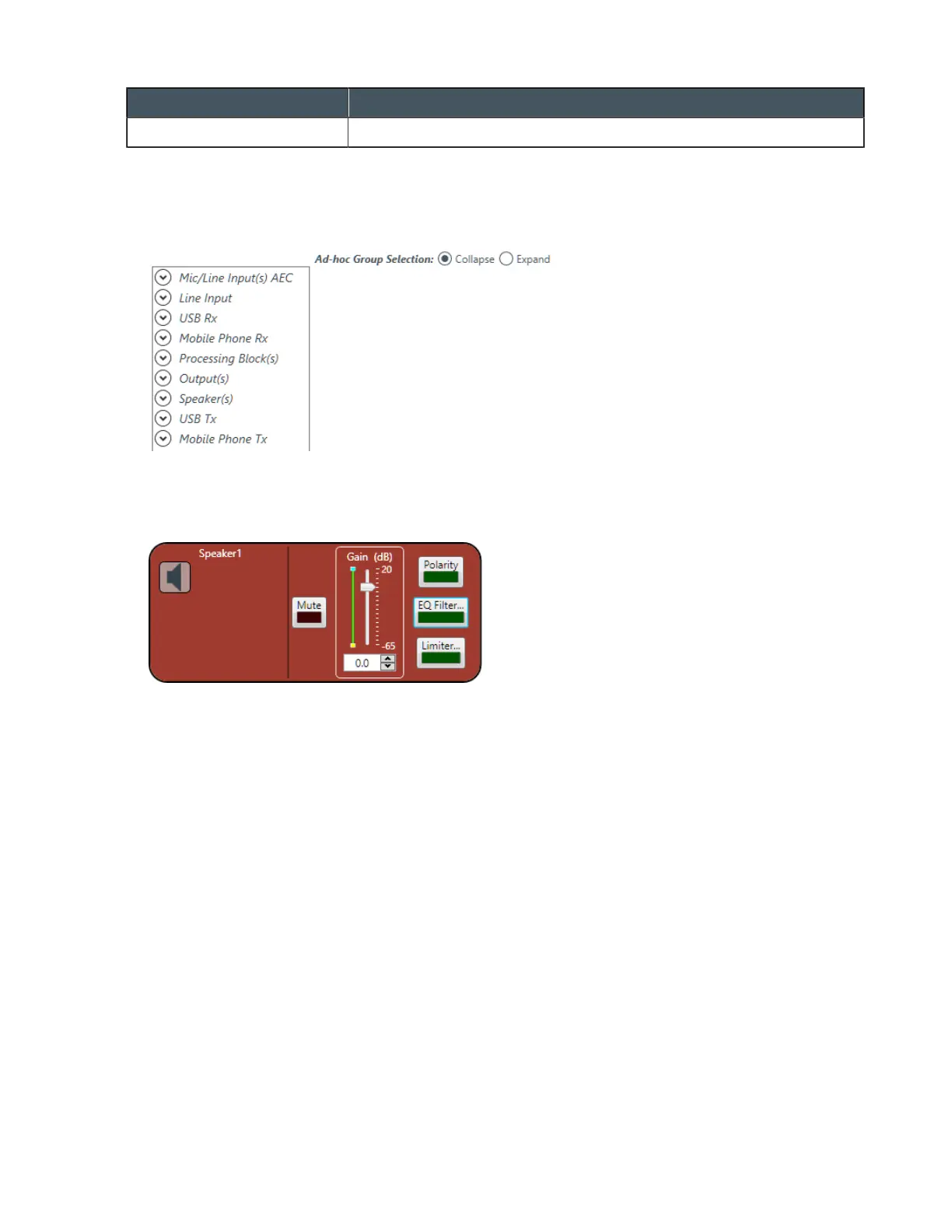
The Speaker Channel Properties block appears:
Mute
4. To mute this channel, click the Mute button (the button changes to red if the channel is muted).
Gain
5. You can change the gain in any of the following ways:
• Drag the slider
• Type a value in the text box
• Click the incrementer and decrementer arrows beside the text box to set the value
Polarity
6. To reverse the polarity of the speaker channel, click the Polarity button.
If the polarity is reversed the button turns light green.
EQ Filter
7. To enable and configure an equalizer filter, click the EQ Filter button.
The Graphic EQ dialog box appears:
CONSOLE AI User Manual









 To Next Page