CONSOLE AI | Project - Offline | 55
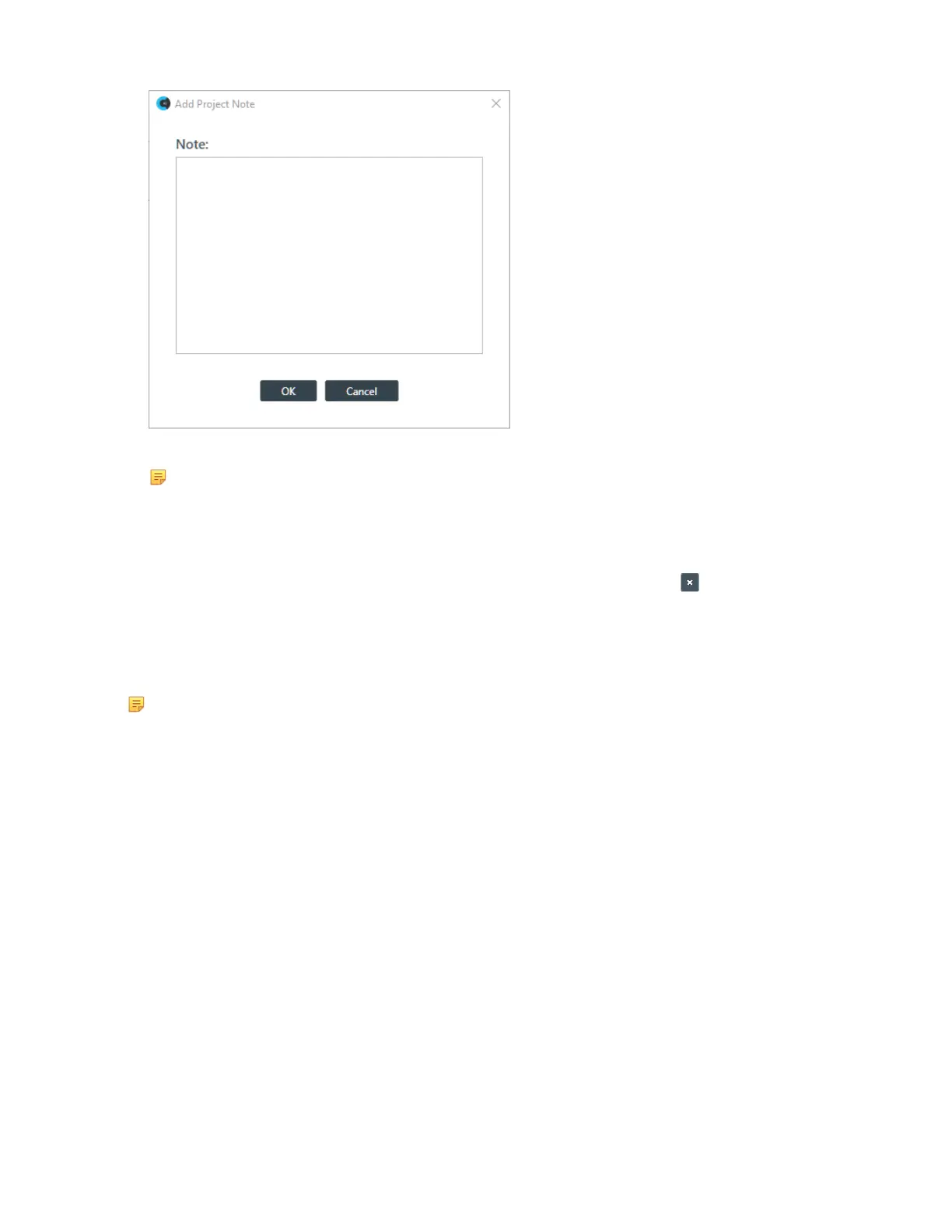
3. Type the note in the Note: text field.
Note:
Project notes may contain up to 10,000 characters.
4. Click OK.
A time/date and computer name are added to your note when it’s created.
5.
You may add additional notes, or remove a note by clicking the remove icon:
Opening a Project
You can open a previously saved project file.
Note:
Opening a project file loads the project settings into the CONSOLE AI, but does not affect any
connected devices. For more information about project files, see About Projects.
To open a project file:
1. In the Navigation Panel, click Home.
The Home screen appears:
CONSOLE AI User Manual









 To Next Page