CONSOLE AI | Macros and Timers (CP2) | 179
3. Click Delete in the Macros column.
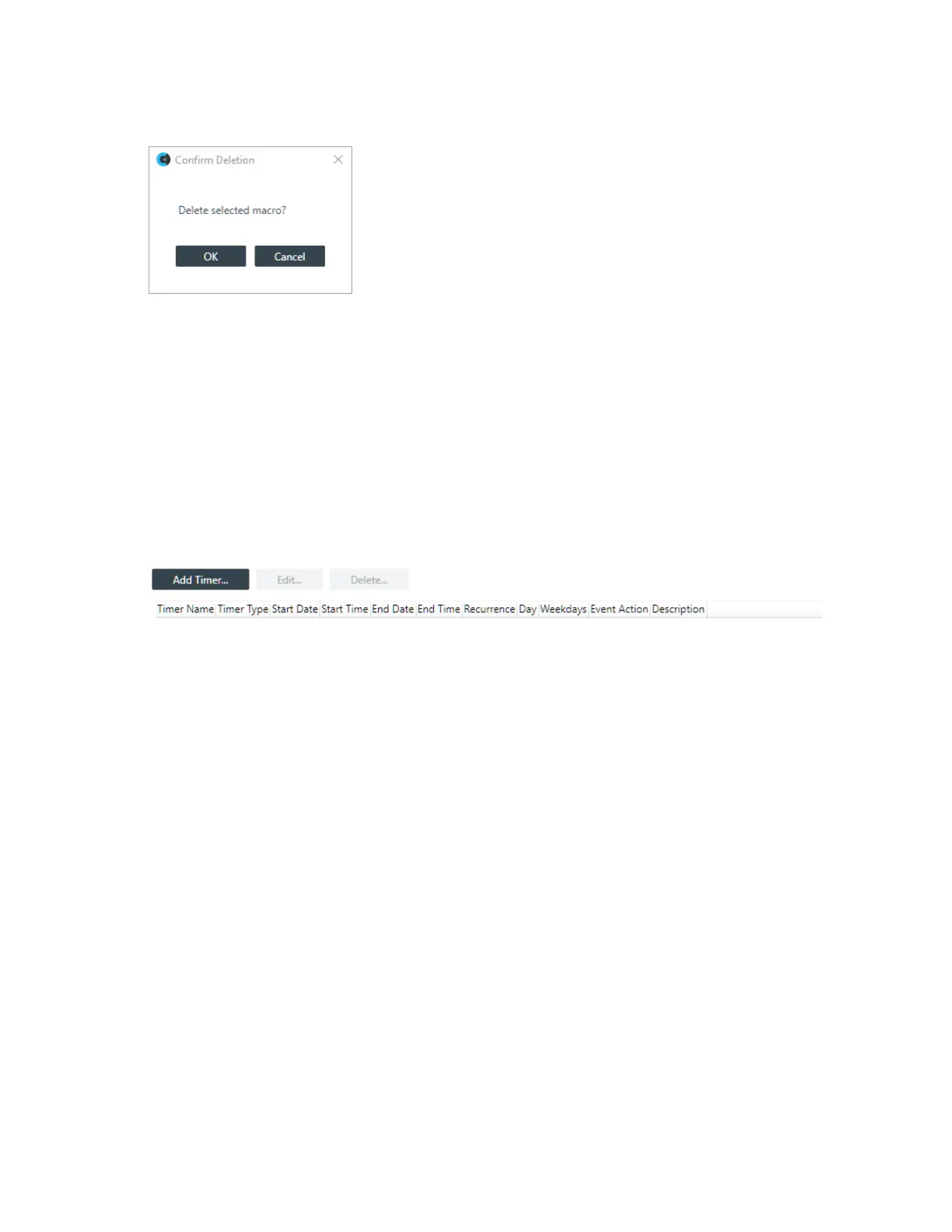
The Confirm Deletion dialog box appears:
4. Click OK.
The macro is deleted and removed from the macros list.
Adding and Modifying Timers
You can add, edit, and delete timers to run macros or reset the stack. See About Timers for more
information about timers. You can also execute a timer at any point. See Live Control (CP2) for more
information.
To add or modify a timer:
1. From the Navigation Panel, choose Timers.
The Timers screen appears:
Add a Timer
CONSOLE AI User Manual









 To Next Page