CONSOLE AI | Interface | 36
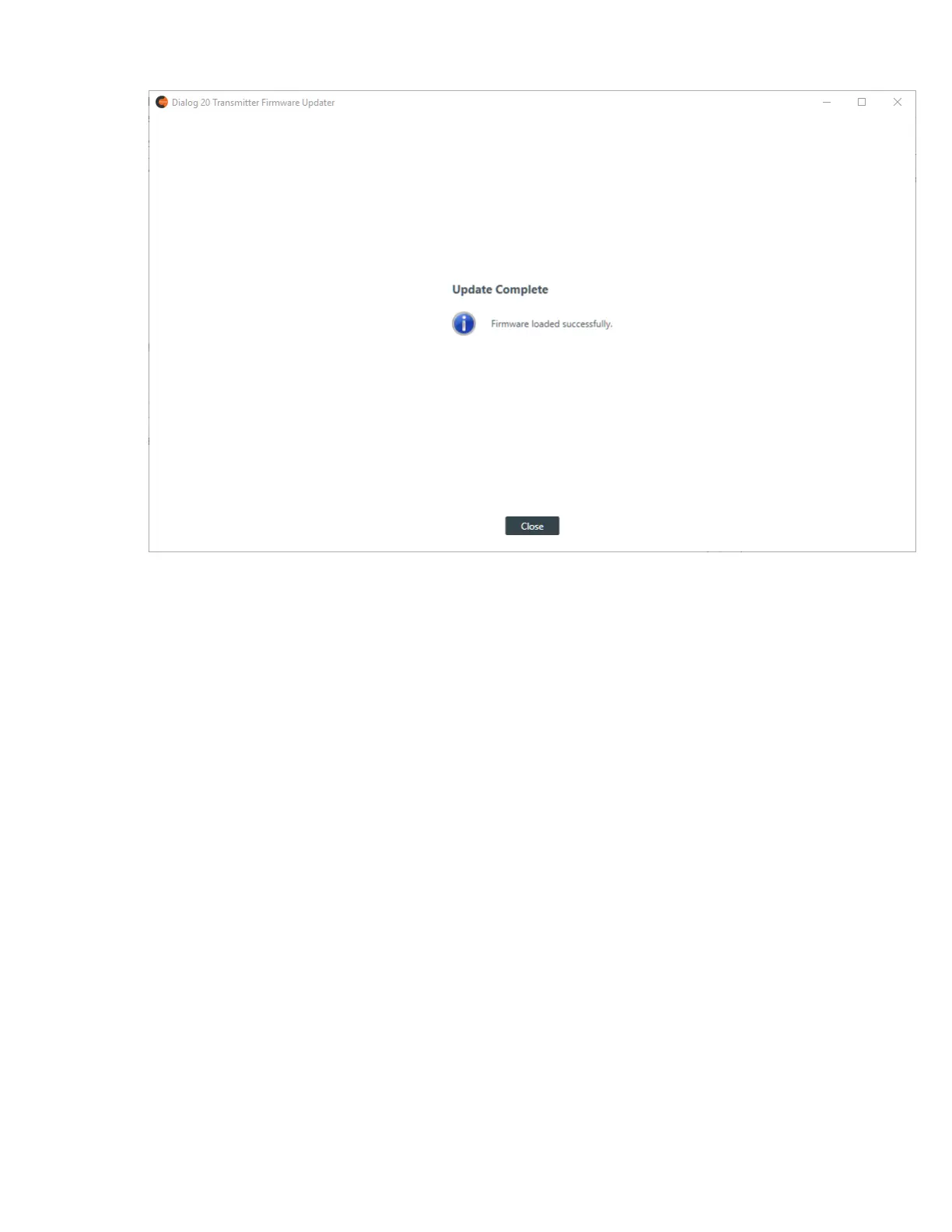
6. Click Close.
Using the Log Viewer
If you have retrieved log files from a Huddle or CP2 device, you can use the in-application Log Viewer tool
to view them. For more information about retrieving Huddle log files, see Retrieving Log Files (Huddle). For
more information about retrieving CP2 log files, see Retrieving Log Files (CP2).
To use the Log Viewer:
1. From the Tools menu, choose Log Viewer.
The Log Viewer appears:
CONSOLE AI User Manual









 To Next Page