CONSOLE AI | Interface | 37
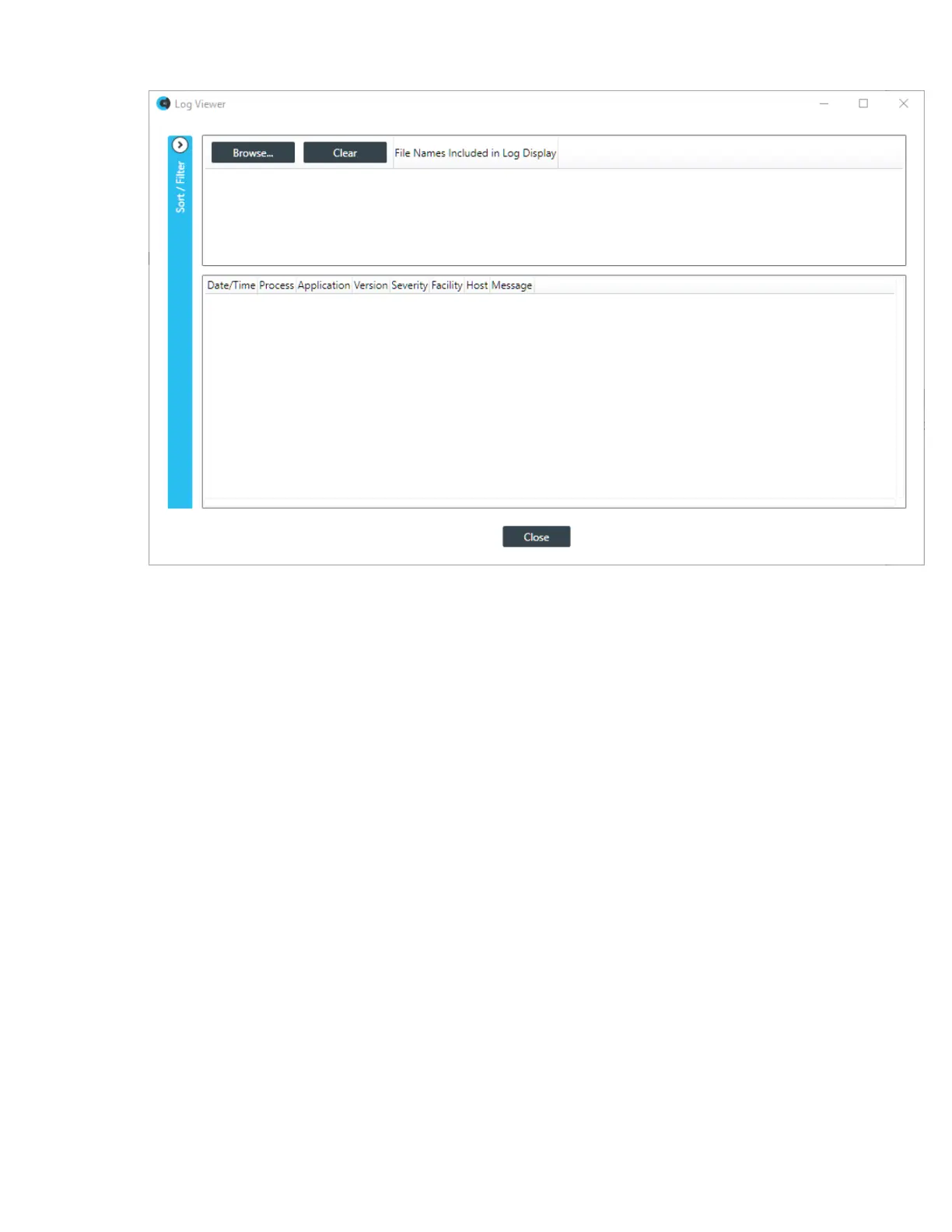
2. Click Browse to select one or more log files to view.
A windows Open dialog box appears, showing any log files at the default location where log files are
placed when retrieved from a device.
3. Locate the log file(s) you want to view and select one or more, then click Open.
The log file(s) appear in the Log Viewer:
CONSOLE AI User Manual









 To Next Page