CONSOLE AI | Project - Offline | 54
8. (Optional) To delete a property, select it in the list and click Delete.
9. When you’re done adding or changing properties, click OK.
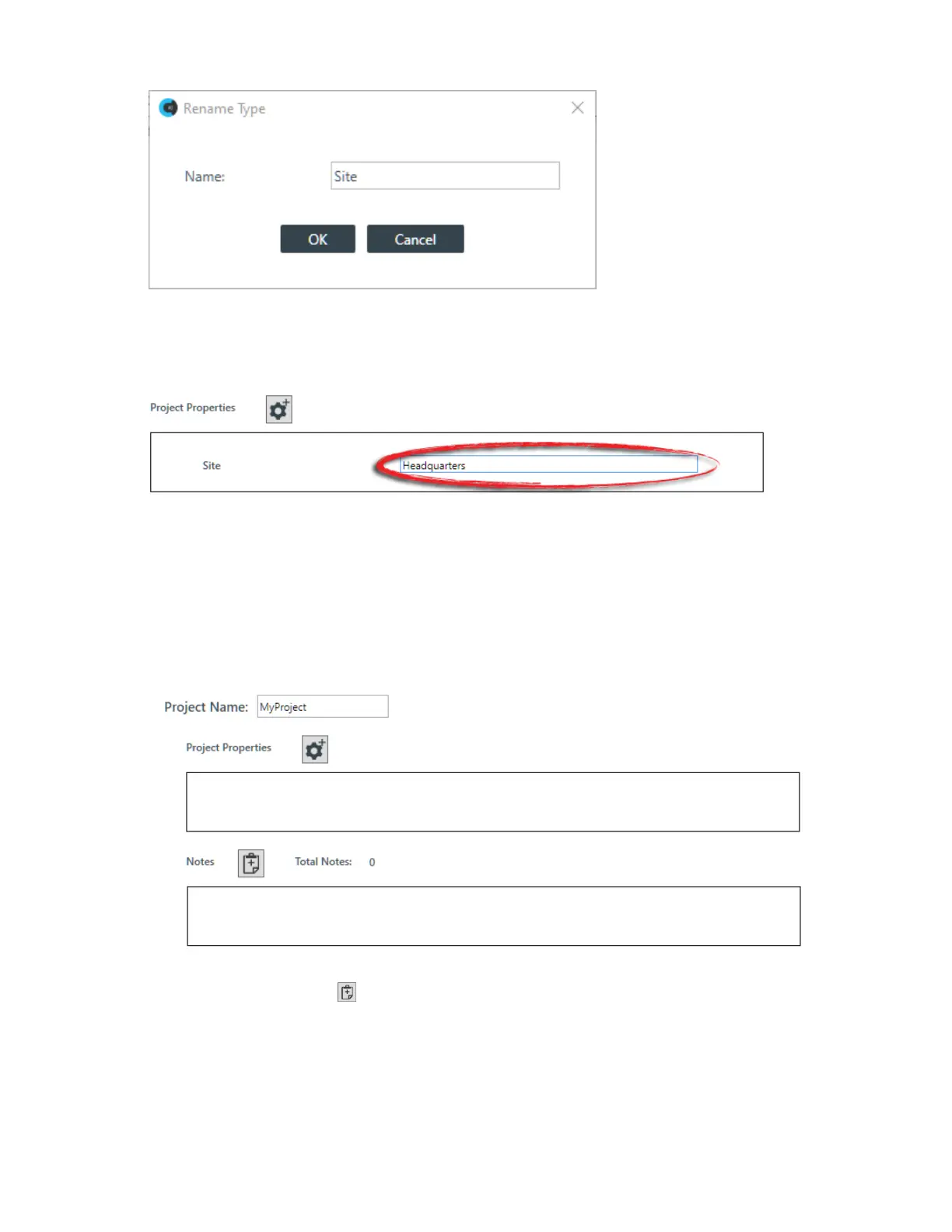
10.Each property appears in the Project Properties box with a text field next to the name. Click in the text
field and type the value for each property:
Adding Project Notes
You can add notes regarding the current project, to store any information you want.
To add project notes:
1. In the Navigation panel, select Project Properties.
The Project Properties screen appears:
2.
Click the Add Note button:
The Add Project Note dialog box appears:
CONSOLE AI User Manual









 To Next Page