CONSOLE AI | Project - Offline | 53
2.
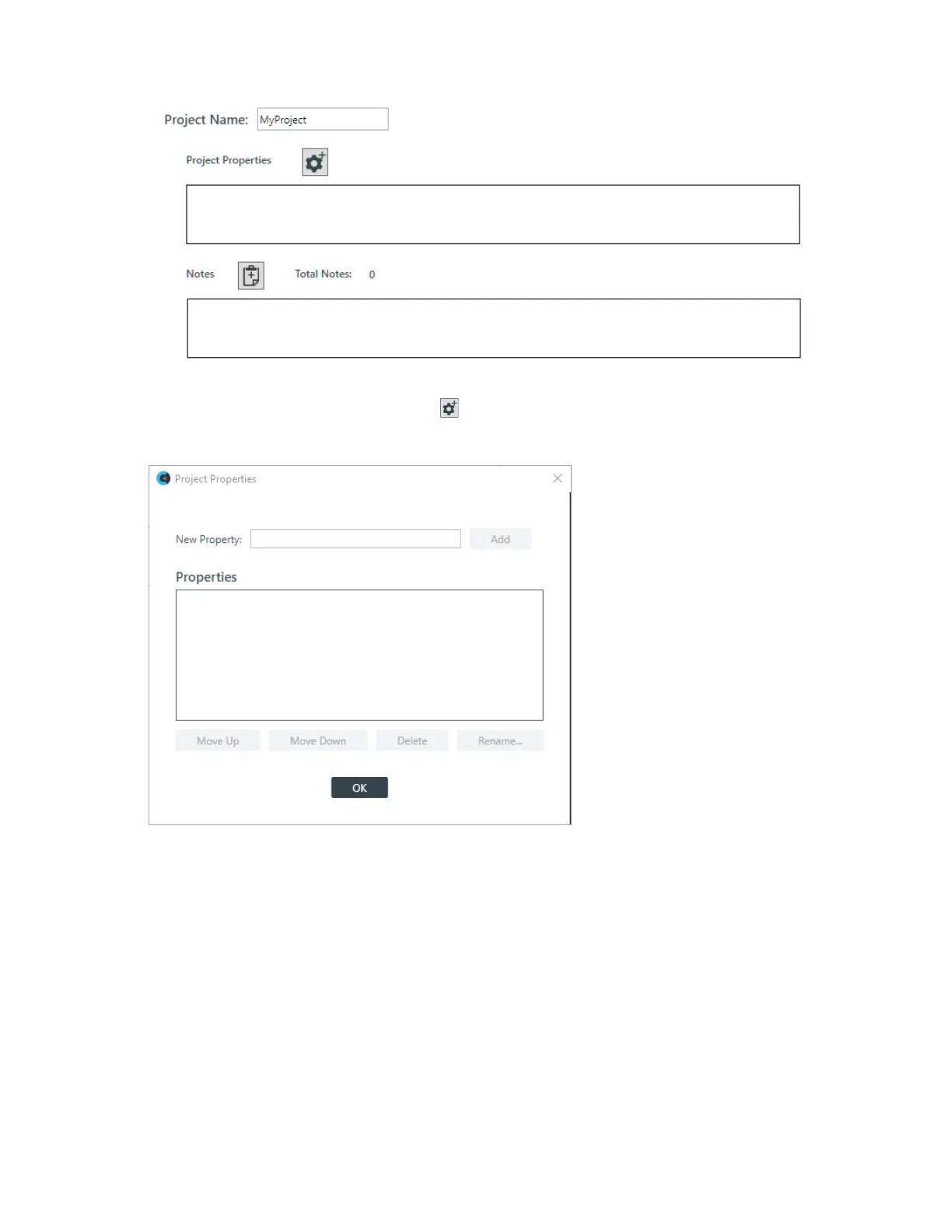
Click the Add Project Properties button:
The Project Properties dialog box appears:
3. Type a property name in the New Property field.
4. Click Add.
5. (Optional) Repeat steps 3-4 for each property you want to add.
6. (Optional) To change the order of properties, select a property in the list and click Move Up or Move
Down.
7. (Optional) To rename a property, select it in the list and click Rename. In the Rename Type dialog box,
type a new name for the property, then click OK.
The Rename Type dialog box:
CONSOLE AI User Manual









 To Next Page