CONSOLE AI | Interface | 39
7. (Optional) You can choose which columns of the log file to display by checking or unchecking columns
under Column Display.
8. When you’re done viewing log files, click Close.
Using Template Editor
You can use the Template Editor to create and modify templates, which are collections of channel settings
that can be applied as a group to particular audio channels.
To use the Template Editor:
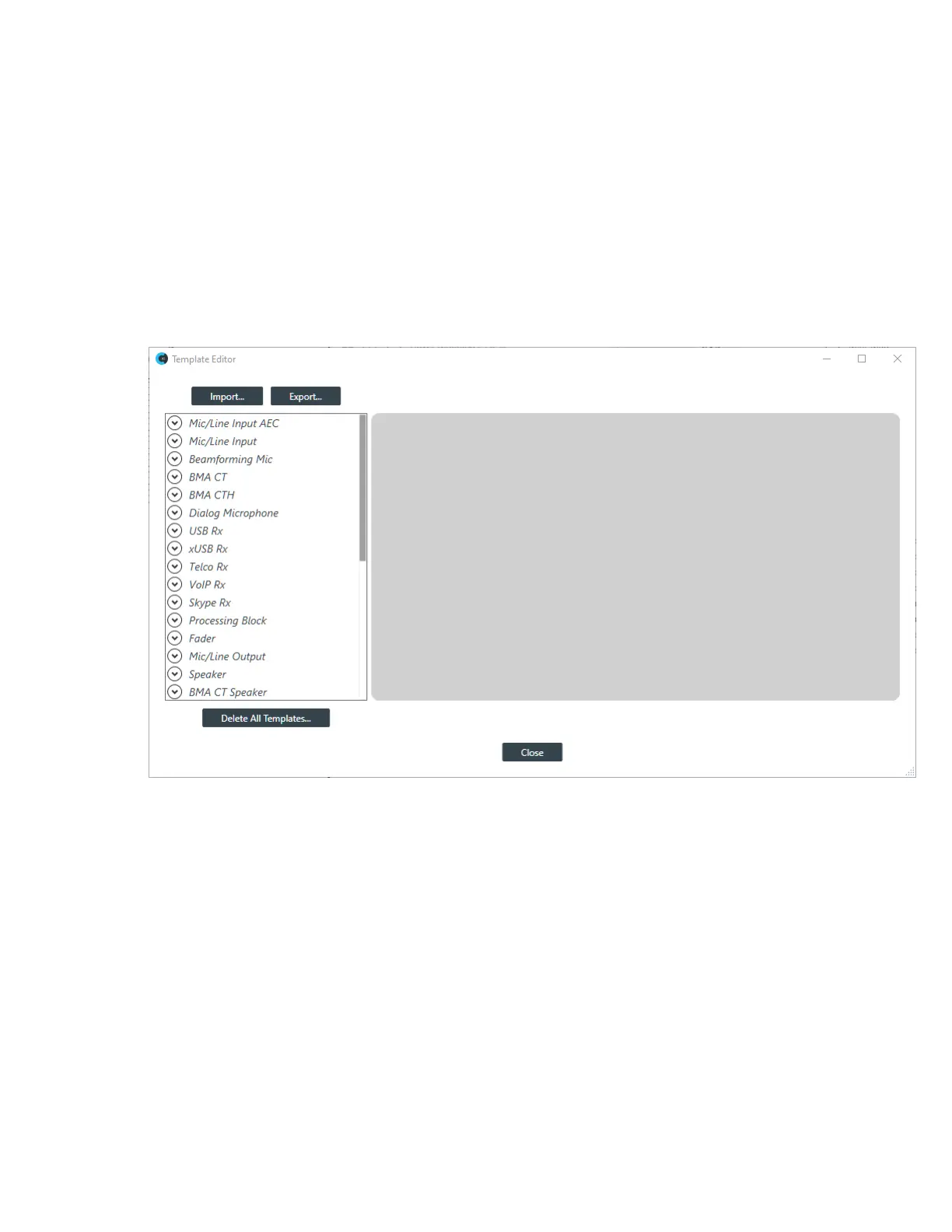
1. From the Tools menu, choose Template Editor.
The Template Editor appears:
2. Click a channel property type in the list on the left.
Any existing templates are listed below the channel property type.
3. Select an existing template or <New> to create a new template.
A channel property block appears for the selected channel type.
4. Make any desired changes to the channel properties, and then click Apply to include the changes in the
template.
Export Templates
5. To export templates as a file, click Export.
The Export Template dialog box appears:
CONSOLE AI User Manual









 To Next Page