CONSOLE AI | Adding Devices (CP2) | 113
Adding a BMA CT
You can add a BMA CT device to a CP2 project.
Note:
If you are not using Long-distance P-link, you can add up to three Beamforming Microphone
Array (BMA 2 or BMA CT) devices. If you are using Long-distance P-link, you can add up to three
Beamforming Microphone Array (BMA 2 or BMA CT) devices. See About Long-distance P-link for
more information.
To add a BMA CT device:
1. If you have not already done so, create or open a CP2 project.
2.
From the toolbar, click .
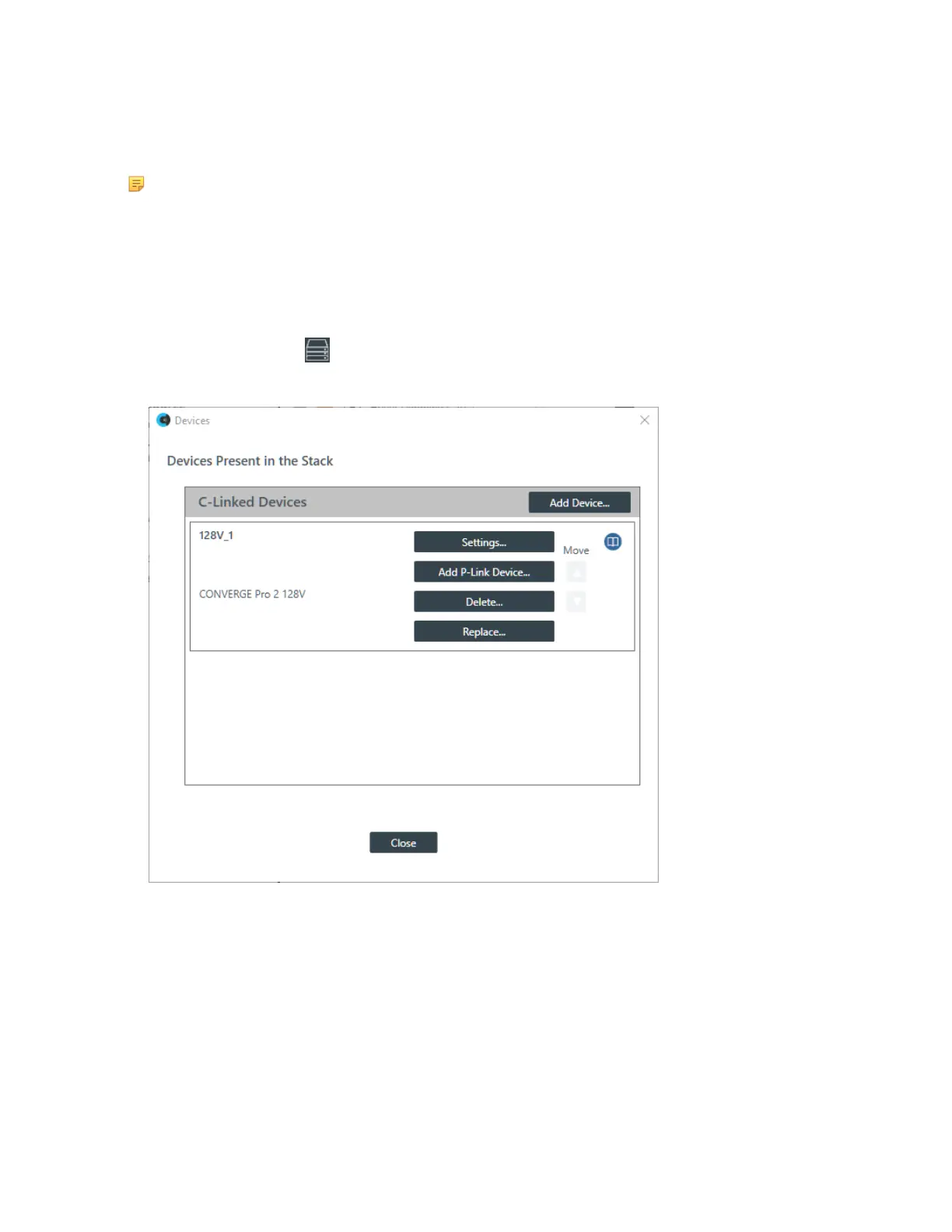
The Devices dialog box appears:
3. Click Add P-Link Device for the CONVERGE Pro 2 to which the BMA CT is attached.
CONVERGE Pro 2 connects to the BMA CT using a proprietary P-Link connection.
The Add Device dialog box appears:
CONSOLE AI User Manual









 To Next Page