CONSOLE AI | Adding Partitions, Channels, and GPIO Settings (CP2) | 157
Using Partition Manager (CP2)
The partition manager is a tool for visualizing and configuring rooms that have partitions. See About Room
Partitions for more information about room partitions.
You can use the partition manager to create partitions, remove partitions, lock or unlock partition dividers,
and choose which partition combinations are valid.
To use the partition manager:
1. If you have not already done so, you must change the Operation Mode to Advanced Room in the stack
settings. If you have already turned on the Advanced Room setting, you can skip to step 4.
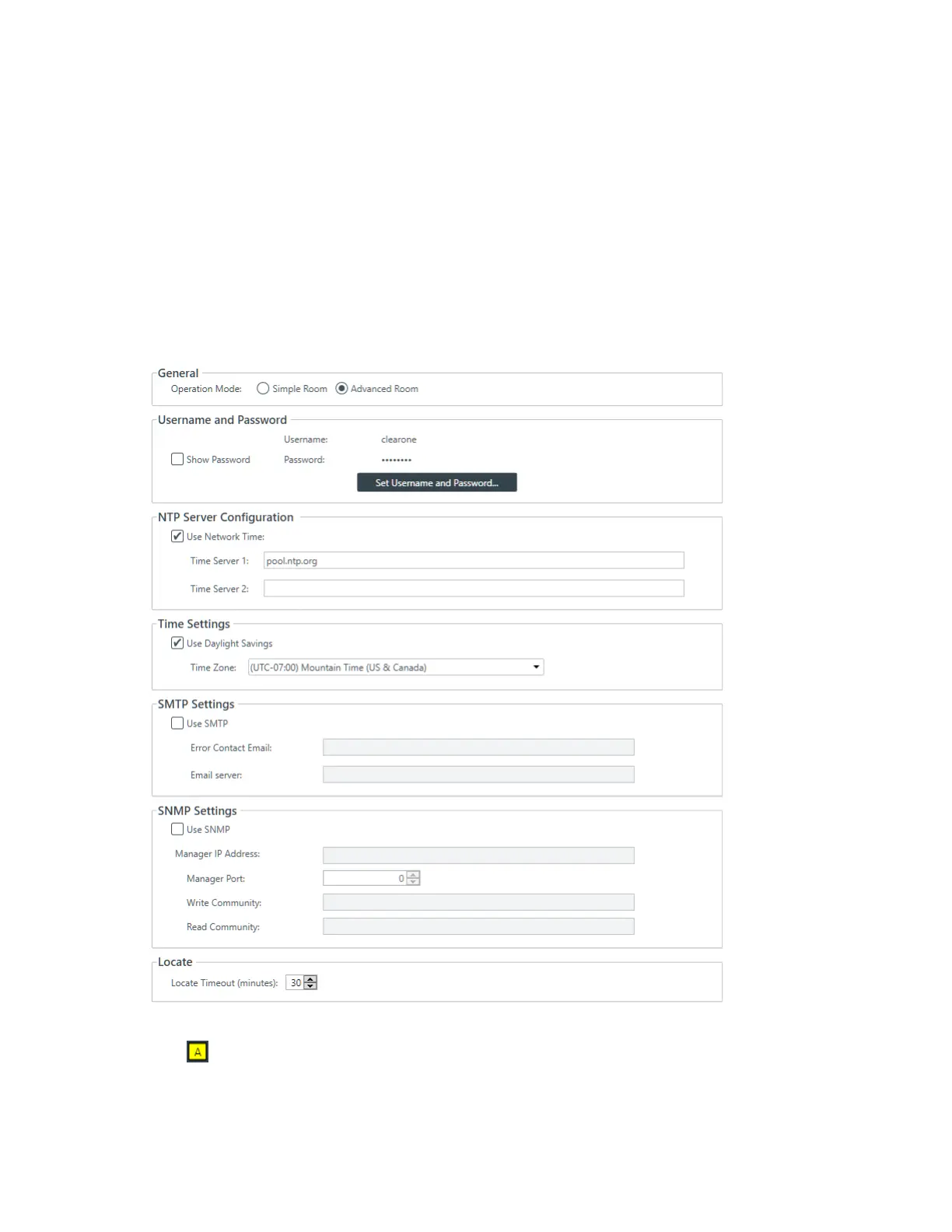
2. From the Navigation Panel, click Settings.
The Settings screen appears:
3. Choose Advanced Room as the Operation Mode under General.
4.
Click in the toolbar.
The Partition Manager appears:
CONSOLE AI User Manual









 To Next Page