CONSOLE AI | Online Mode (Huddle) | 280
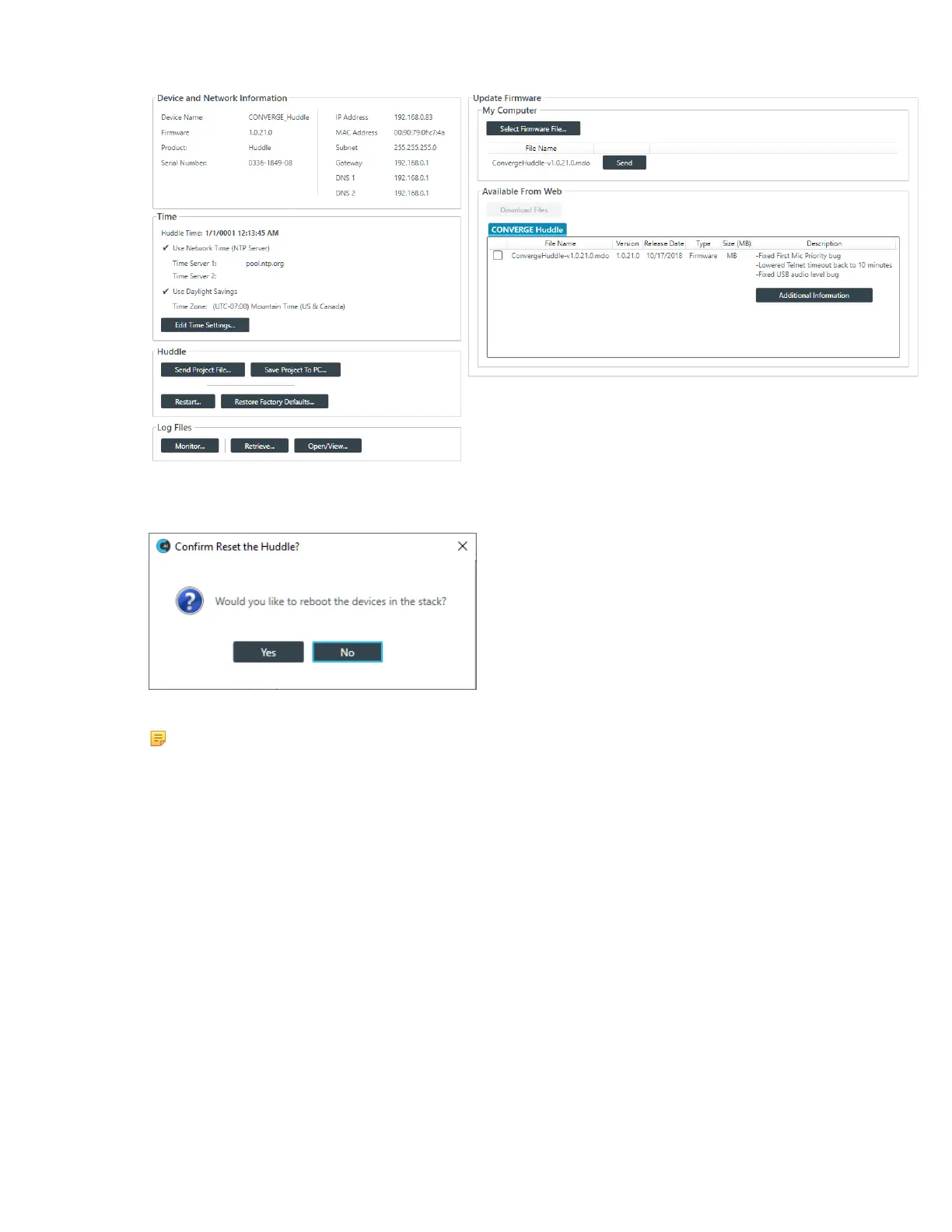
3. Click Restart.
The Confirm Reset dialog box appears:
4. To restart the Huddle, click Yes.
Note:
Restarting a device does not remove any device settings you have changed for the device. If
you want to remove all device settings, you must restore the device to factory defaults. See
Restoring a Device to Factory Defaults (Huddle) for more information.
The Huddle is restarted and you are disconnected from the device. You must reconnect to perform any
further operations in online mode.
Restoring a Device to Factory Defaults (Huddle)
You can restore a Huddle to factory defaults.
To restore the factory defaults on a Huddle device:
1. If you have not already done so, connect to a Huddle device.
For more information about connecting to a device, see Connecting to a Device (Huddle).
2. From the Navigation Panel, choose Admin.
The Admin screen appears:
CONSOLE AI User Manual









 To Next Page