CONSOLE AI | Online Mode (CP2) | 296
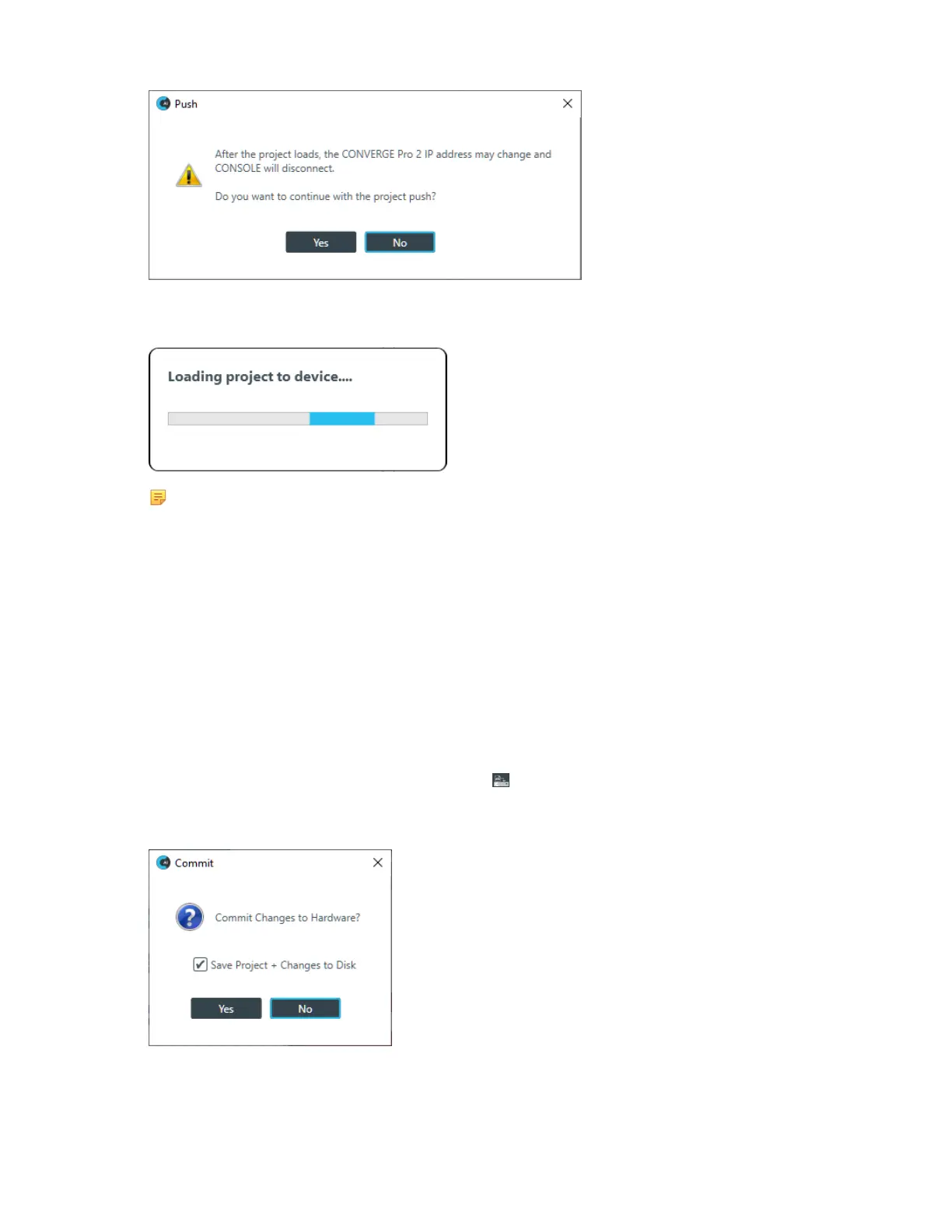
8. Click Yes to continue.
The Loading project to device status dialog box appears:
Note:
Loading a file to a device or stack takes several minutes per device, so larger stacks can take
substantially longer to load.
The Loading project to device dialog box closes when the project has been loaded to the device.
Commit Changes to Hardware (CP2)
If you are connected to a device, you can commit any project changes you have made to connected
device(s).
To load project changes to connected devices:
1. If you have not already done so, connect to a device or stack.
For more information about connecting to a stack, see Connecting to a Device or Stack (CP2).
2.
After you have made changes to the project, click in the Toolbar to load any project changes you’ve
made to the connected device.
A confirmation dialog box appears:
3. If you want to also save those changes to a project file on disk, check the Save Project + Changes to
Disk option.
4. Click Yes.
CONSOLE AI User Manual









 To Next Page