CONSOLE AI | Adding Devices (CP2) | 155
Locate
18.To specify how long the LED light on a device blinks when using the locate feature, specify a value for
Locate Timeout (minutes).
Opening the Serial Commands Reference Manual (CP2)
You can connect to a CONVERGE Pro 2 device using a serial port or by telnet to control the device in
the same ways that you can using the CONSOLE interface, but using commands (though there are some
features that are available only through the CONSOLE). You can find out more details about how to use
serial commands, which commands are availabale, and the syntax and details about particular commands
in the CONVERGE Pro 2 Serial Commands Reference Manual. You can open the Serial Commands
Reference Manual from within CONSOLE.
To open the Serial Commands Reference Manual:
1.
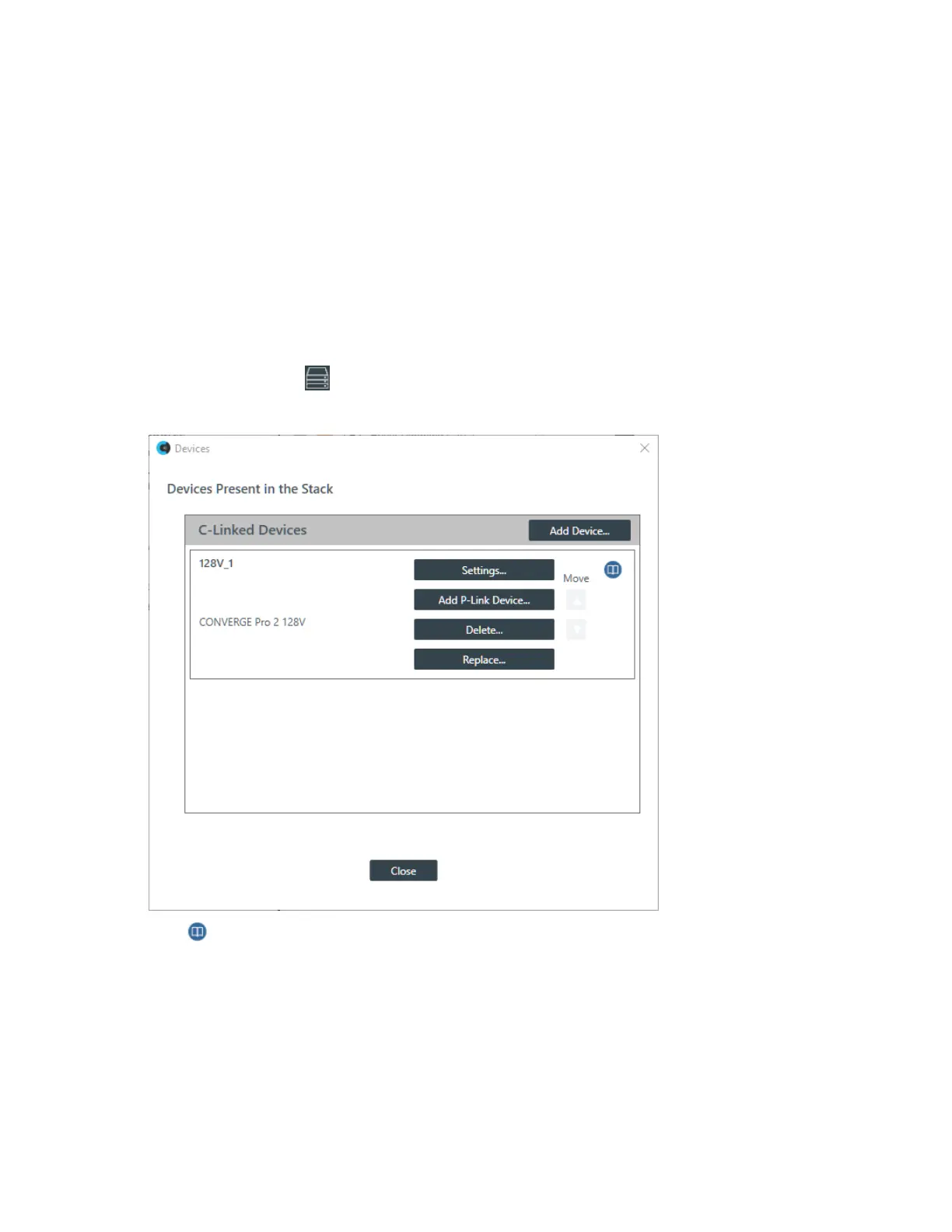
From the toolbar, click .
The Devices dialog box appears:
2.
Click to the right of the Settings button to open the Serial Commands Reference Manual.
CONSOLE AI User Manual









 To Next Page