CONSOLE AI | Configuration - Offline (Huddle) | 89
• Drag the slider
• Type a value in the text box
• Click the incrementer and decrementer arrows beside the text box to set the value
Changing Channel Properties - Bluetooth Rx (Huddle)
You can use channel properties to modify a Bluetooth Receive channel (the settings are the same for both
the L and R receive channels). You can make any of the following changes:
Feature Description
Gain Gain adjusts the input volume level for a USB input in increments of
0.5dB.
Mute Mute a channel.
To change the properties for a Bluetooth Receive channel:
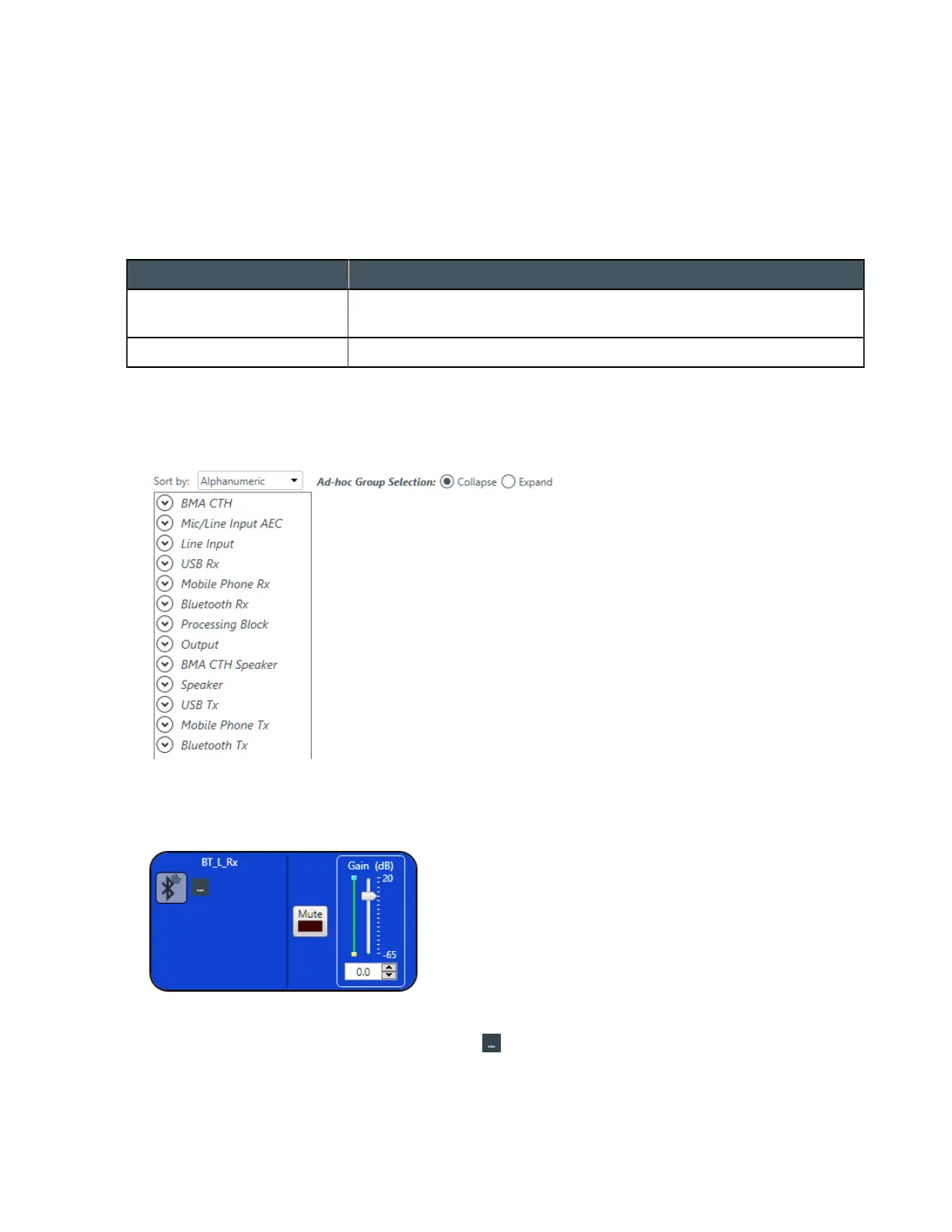
1. In the Navigation panel, choose Channel Properties.
The Channel Properties screen appears:
2. Click Bluetooth Rx to open the channel list.
3. Select the channel you want to change.
The Bluetooth Rx Channel Properties block appears:
Device Properties
4.
To change the Bluetooth device properties, click .
The Bluetooth Device Properties dialog box appears:
CONSOLE AI User Manual









 To Next Page