CONSOLE AI | Managing Channels (CP2) | 235
Option Description
Hold Time How long the channel stays gated on after the audio falls below the
Gate Ratio threshold. The hold time range is from 0.1 to 8.0 seconds.
The default is 0.3 seconds.
Off Attenuation The amount of level reduction applied to a channel when it is gated off.
The range is from 0 to 60dB. The default is 18dB.
Decay Rate How fast a channel gates off after the Hold Time expires. The default is
Medium.
Adaptive Ambient (Auto
Only)
Adjusts the ambient reference level as noise and room conditions
change. When Adaptive Ambient is on, the mic channel monitors
the ambient noise level on the input and adjusts the ambient level
reference automatically. This means that the gate threshold level
automatically increases or decreases based on background noise. The
default is On.
Manual Ambient Tracking
(Auto Only)
The input will use the fixed ambient level you specify in the Ambient
Level field as its gating reference.
Chairman Override Provides gating priority for this mic input over any other mic input within
the same gating group that is set to Auto gating mode. When a mic
with Chairman Override enabled gates on, all mics which do not have
Chairman Override enabled will gate off. The default is Off.
15.Click Close.
Changing Channel Properties - USB Rx and xUSB Rx (CP2)
You can use channel properties to modify a USB Receive channel (the xUSB Rx channel, which is for
USB channels on CP2 USB Expander units, functions exactly the same as the USB channels on the CP2
device). You can make any of the following changes:
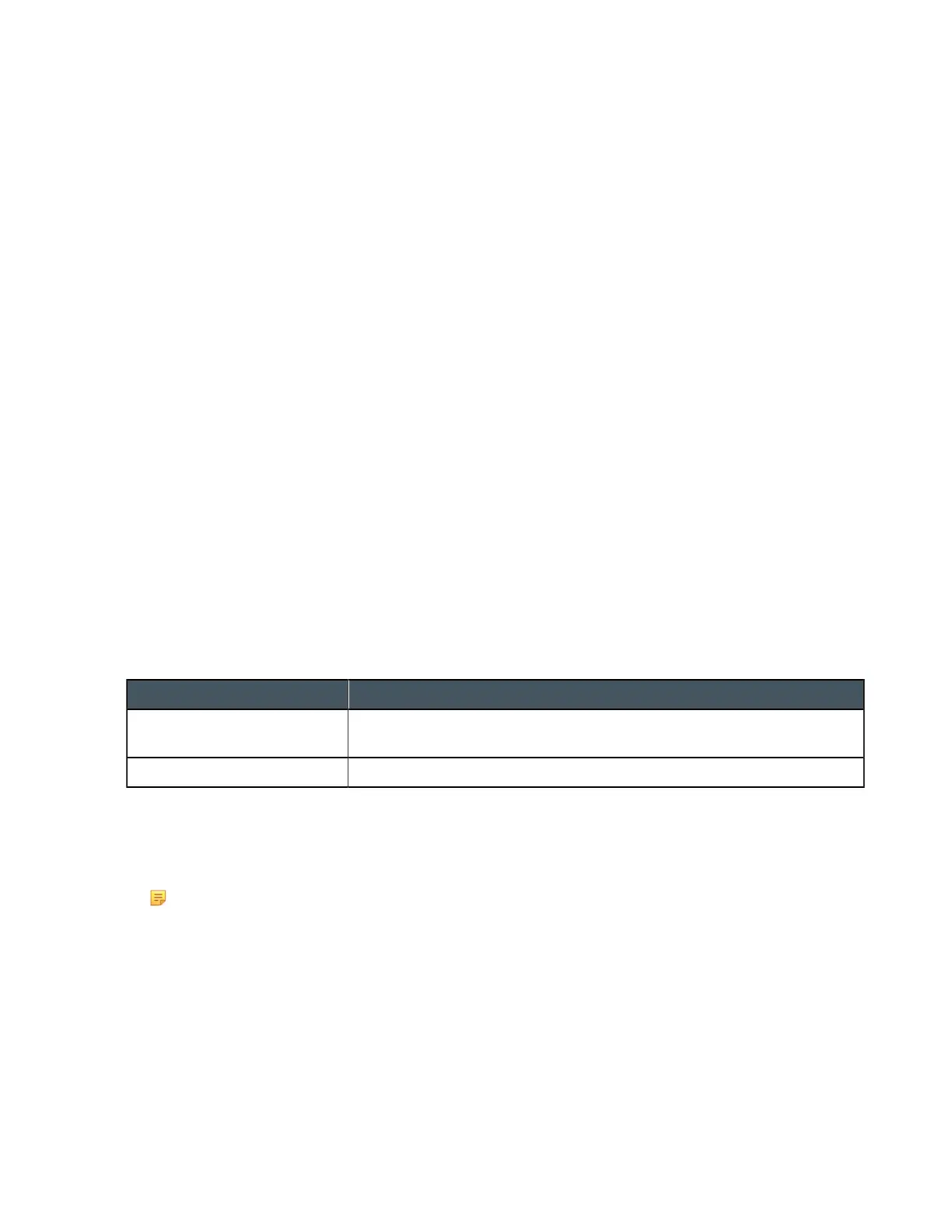
Feature Description
Gain Gain adjusts the input volume level for a USB input in increments of
0.5dB.
Mute Mute a channel.
To change the properties for a USB or USB Rx Receive channel:
1. In the Navigation panel, choose Channel Properties.
The Channel Properties screen appears.
Note:
You can also view and change the channel properties in FlowView. See Connecting Channels
Using FlowView
™
(CP2) for more information.
2. (Optional) If you’re using Advanced Room mode, choose a partition from the Partition drop-down list.
3. (Optional) Choose a preset from the Preset drop-down list.
4. Click USB Rx or xUSB Rx to open the channel list.
5. Select the channel you want to change.
The USB or USBx Receive Channel Properties block appears:
CONSOLE AI User Manual









 To Next Page