CONSOLE AI | Project - Offline | 52
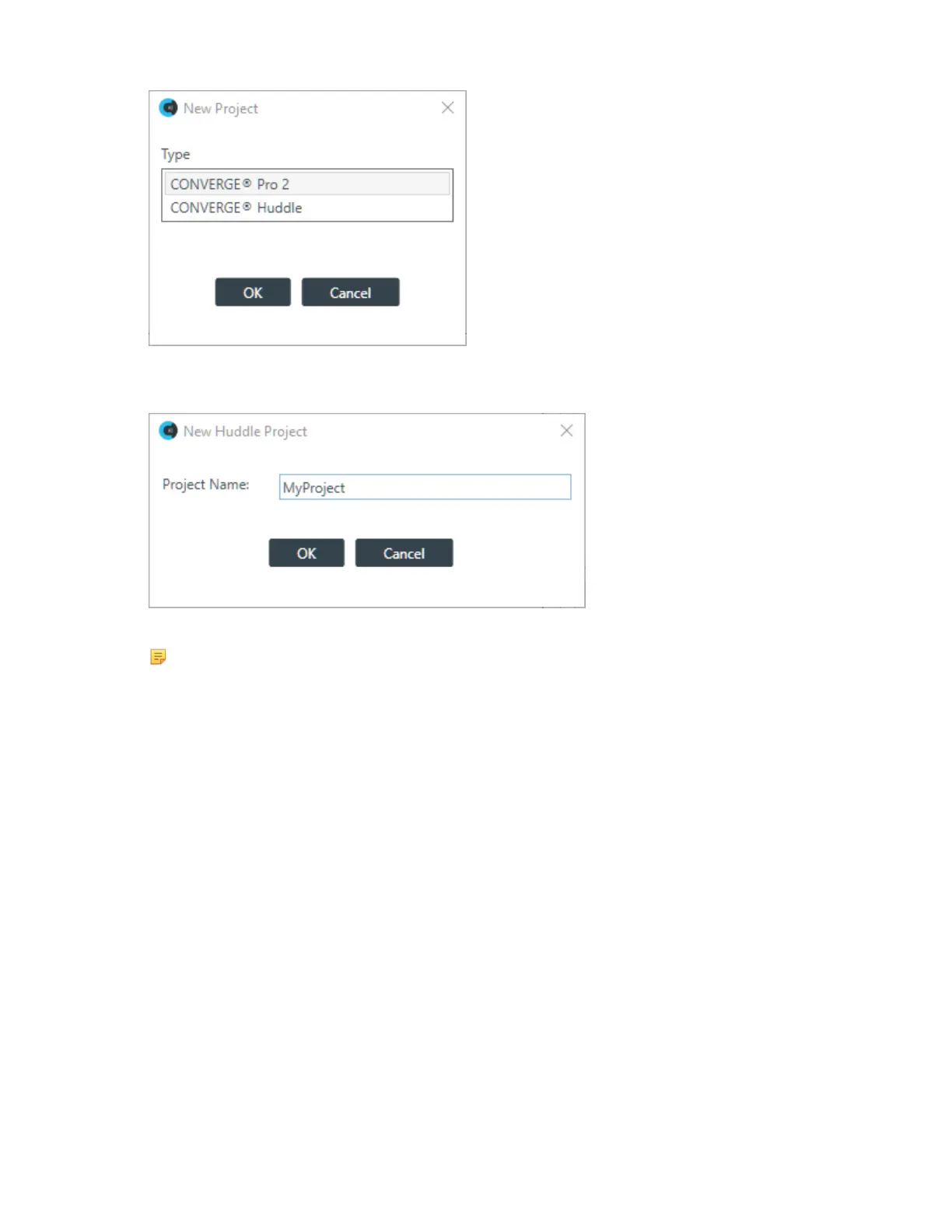
3. Click CONVERGE
®
Huddle, and then click OK.
The New Project dialog box appears:
4. Type a name for the project in the Project Name field.
Note:
Project names cannot have spaces.
5. Click OK.
Adding Project Properties
You can add Field-Value pairs to a project as properties. For example, you could add a field called “Site”
and assign to it a value of “Headquarters.”
To add Project Properties:
1. In the Navigation panel, select Project Properties.
The Project Properties screen appears:
CONSOLE AI User Manual









 To Next Page