CONSOLE AI | Online Mode (Huddle) | 279
3. Make any changes you want to device settings while in online mode.
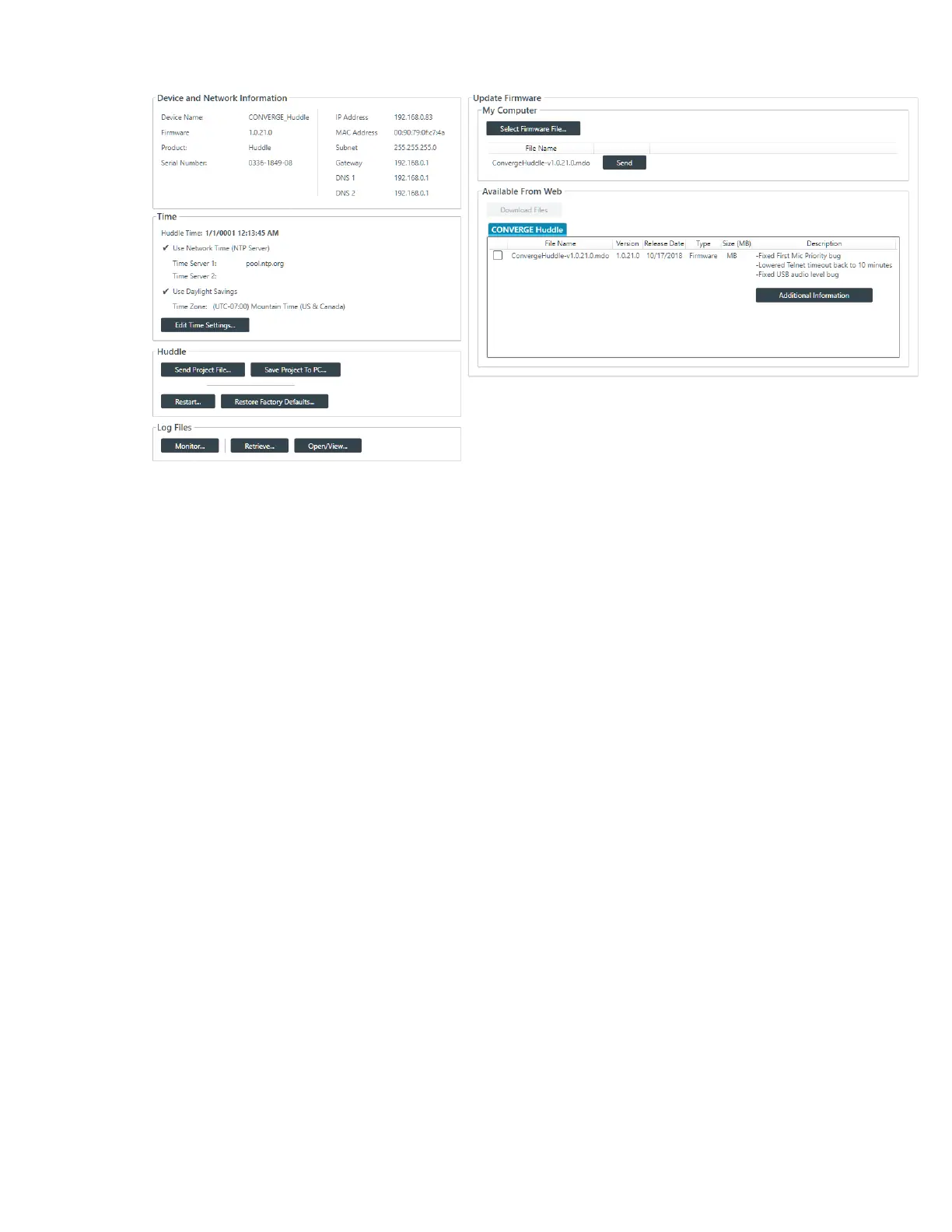
4. Click Save Project To PC.
A Save As dialog box appears to let you choose a name and location for the file.
5. Choose a name and location for the project file and then click Save.
Restarting a Device (Huddle)
You can restart a Huddle device.
To restart a Huddle:
1. If you have not already done so, connect to a Huddle device.
For more information about connecting to a device, see Connecting to a Device (Huddle).
2. From the Navigation Panel, choose Admin.
The Admin screen appears:
CONSOLE AI User Manual









 To Next Page