CONSOLE AI | Managing Channels (CP2) | 266
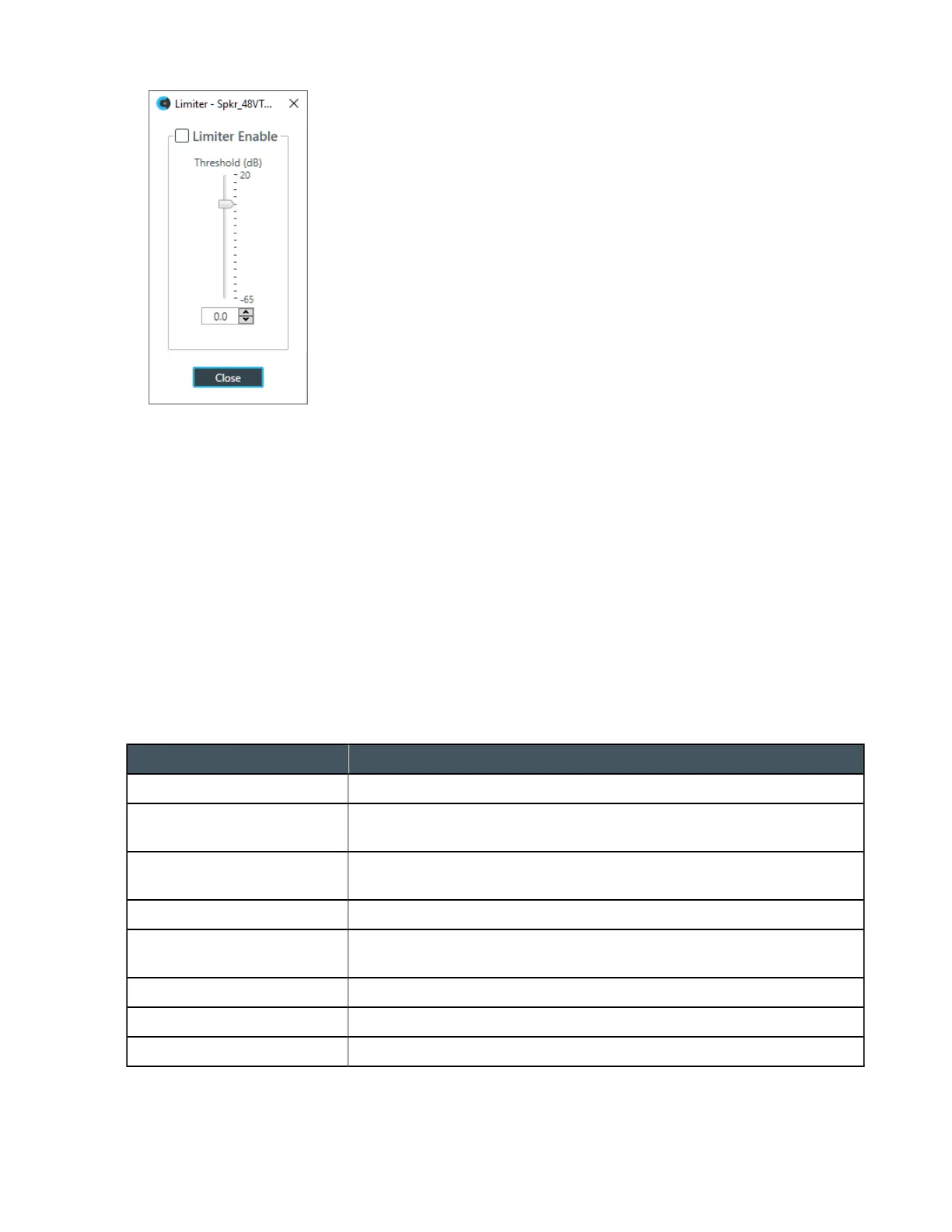
28.To activate the limiter, click the Limiter Enable check box.
29.Adjust the limiter threshold in any of the following ways:
• Drag the slider
• Type a value in the text box
• Click the incrementer and decrementer arrows beside the text box to set the value
30.Click Close.
Mic/Line Switch
31.To set the output channel to line level, set the Mic/Line Switch to Line. To set the output channel to mic
level, set the Mic/Line Switch to Mic.
Changing Channel Properties - BMA CT Speaker (CP2)
You can use channel properties to modify a BMA CT Speaker channel.
You can make any of the following changes:
Feature Description
Active (Group only) Lets you choose which member of the group to show or modify.
Auto Sync Automatically sync every channel in the group when you make changes
to one channel.
Sync All (Group only) Lets you synchronize all the members of the group to match the settings
of the active member.
Mute Mute a channel.
Gain Gain adjusts the volume level for a processing block in increments of
0.5dB.
Polarity Reverses the polarity of a speaker channel.
EQ Filter Adjusts specific frequency bands within a +/-12db range.
Limiter Establishes a ceiling level for the output.
To change the properties for a BMA CT Speaker channel:
1. From the Navigation panel, choose Channel Properties.
CONSOLE AI User Manual









 To Next Page