CONSOLE AI | Macros and Timers (CP2) | 177
Add a Command
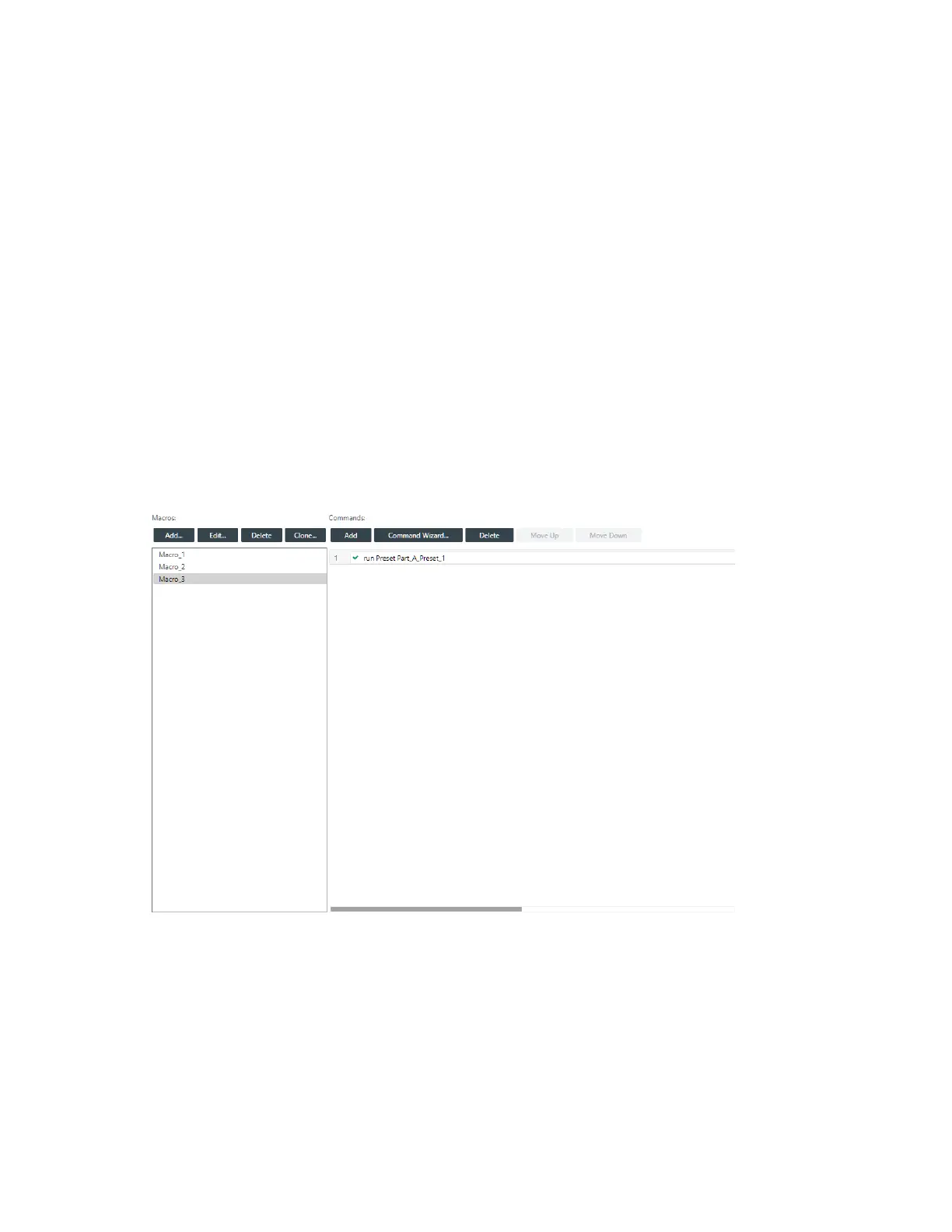
14.To add a new command to the macro, click Add in the Commands column.
A new blank command field is added.
Delete a Command
15.To delete an existing command from the macro, select a command and then click Delete in the
Commands column.
The command field is removed.
Change Command Order
16.To change the order of the commands, select a command and then click Move Up or Move Down.
Cloning a Macro
If you want to create a macro that’s similar to one that already exists, you can clone an existing macro and
then edit it.
To clone a macro:
1. From the Navigation Panel, choose Macros.
The Macros screen appears:
2. Select a macro you want to clone.
3. Click Clone.
The Add Macro dialog box appears:
CONSOLE AI User Manual









 To Next Page