CONSOLE AI | Macros and Timers (CP2) | 178
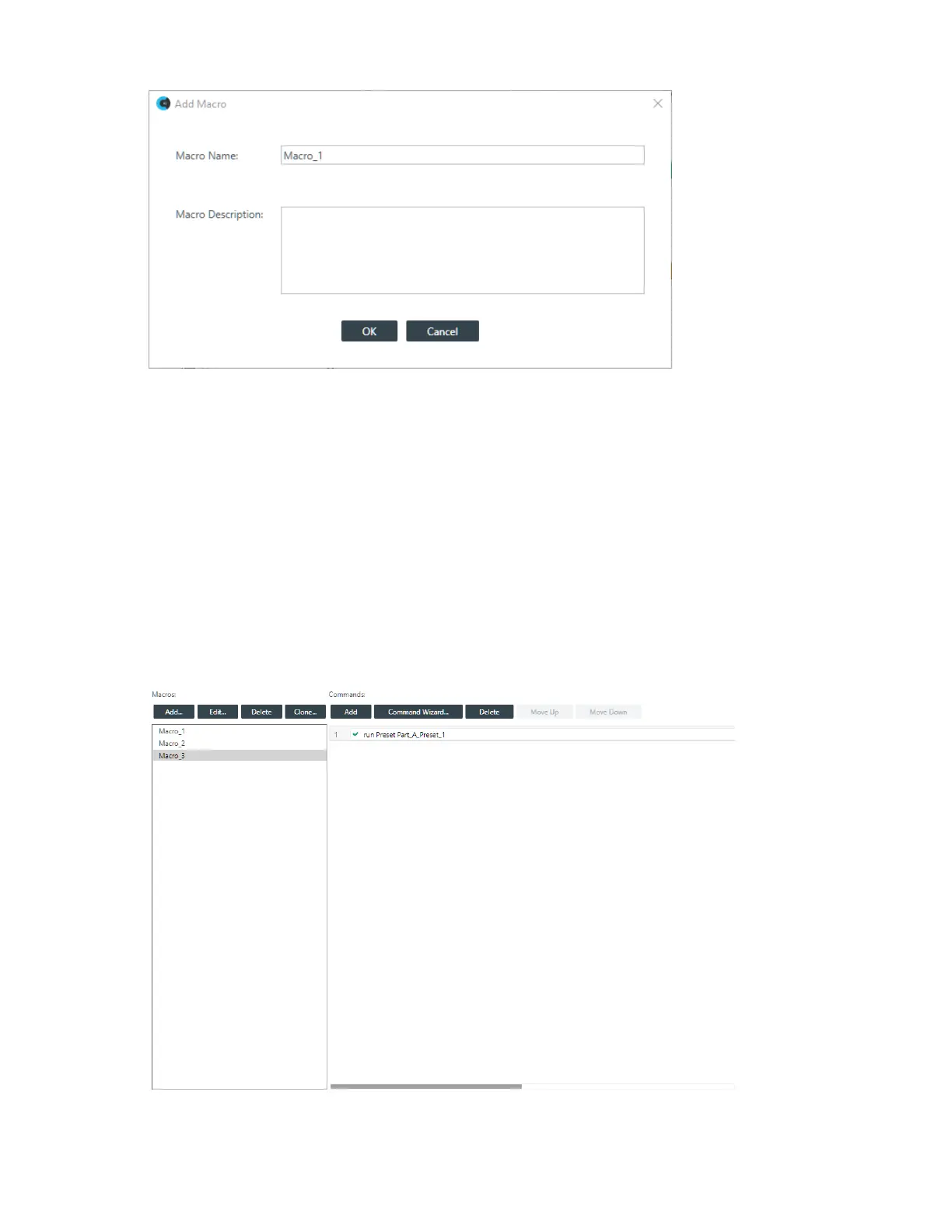
4. Type a name for the macro in the Macro Name field.
5. (Optional) Type a description for the macro in the Macro Description field.
6. Click OK.
A macro identical to the one you cloned, but with the new name you specified, is created in the Macros
column. You can edit this macro as you would any other. See Adding Macros for more information about
adding macros.
Deleting Macros
You can delete a macro you have already created.
To delete a macro:
1. From the Navigation Panel, choose Macros.
The Macros screen appears:
2. Select a macro you want to delete.
CONSOLE AI User Manual









 To Next Page