CONSOLE AI | Online Mode (Huddle) | 278
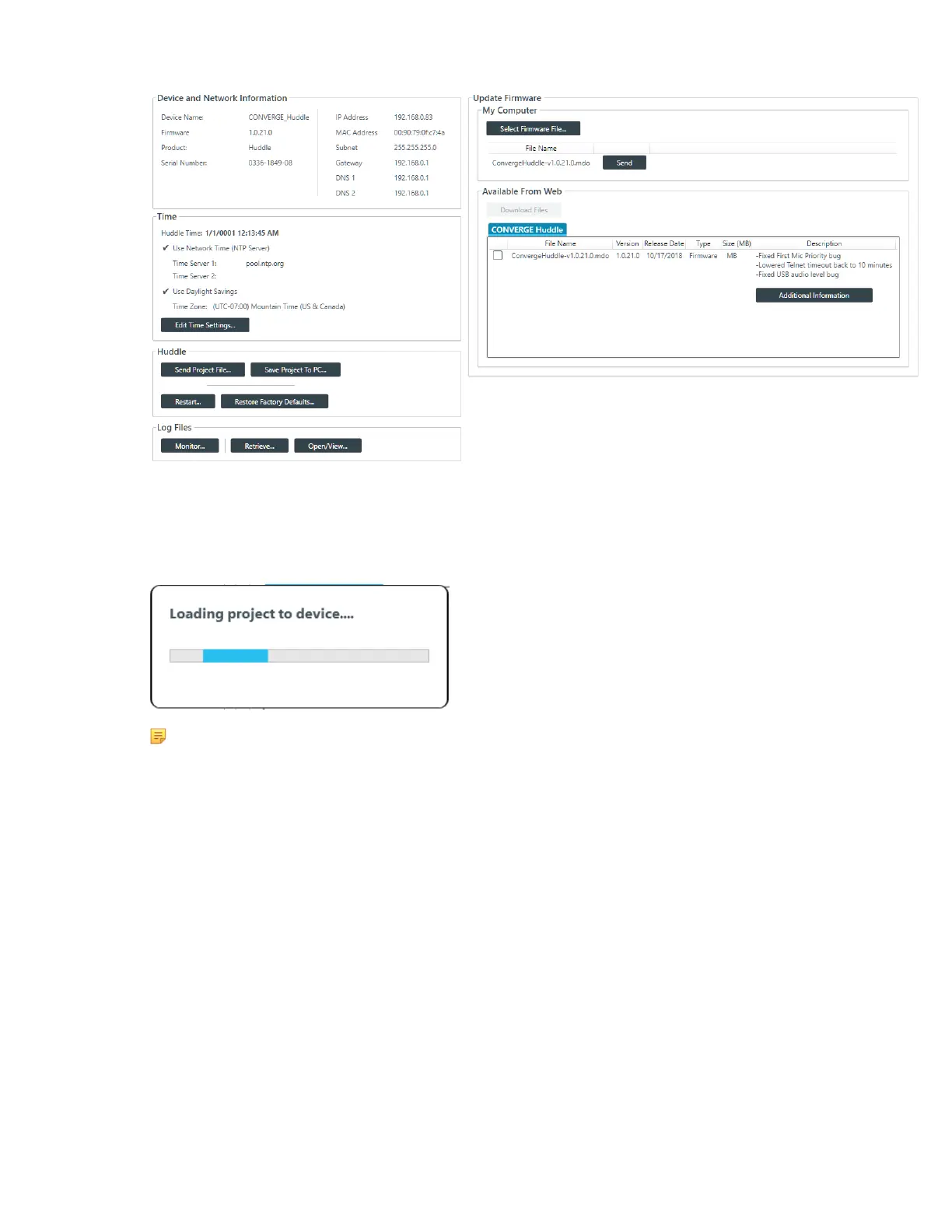
3. Under Huddle, click Send Project File.
An Open dialog box appears to let you choose a project file.
4. Choose a project file and then click Open.
A message appears to let you know that the project is being loaded to the device:
Note:
Loading a file to the device could take several minutes.
Save Project to PC (Huddle)
When you are in online mode (connected to a device), you can make changes to attached Huddle device.
However, those changes are not reflected in the project settings in the CONSOLE AI application. To save
the device to a project file, use Save Project to PC.
For more information about the relationship between online mode, offline mode, and saved project settings,
see About Projects.
To save online mode project settings to project file on your PC:
1. If you have not already done so, connect to a Huddle device.
For more information about connecting to a device, see Connecting to a Device (Huddle).
2. From the Navigation Panel, choose Admin.
The Admin screen appears:
CONSOLE AI User Manual









 To Next Page