CONSOLE AI | Project - Offline | 50
Creating a Project (CP2)
Before you can change any of the settings for a CONVERGE Pro 2 device, you must create a project. For
more information about project, see About Projects.
To create a project:
1. From the File menu, choose New.
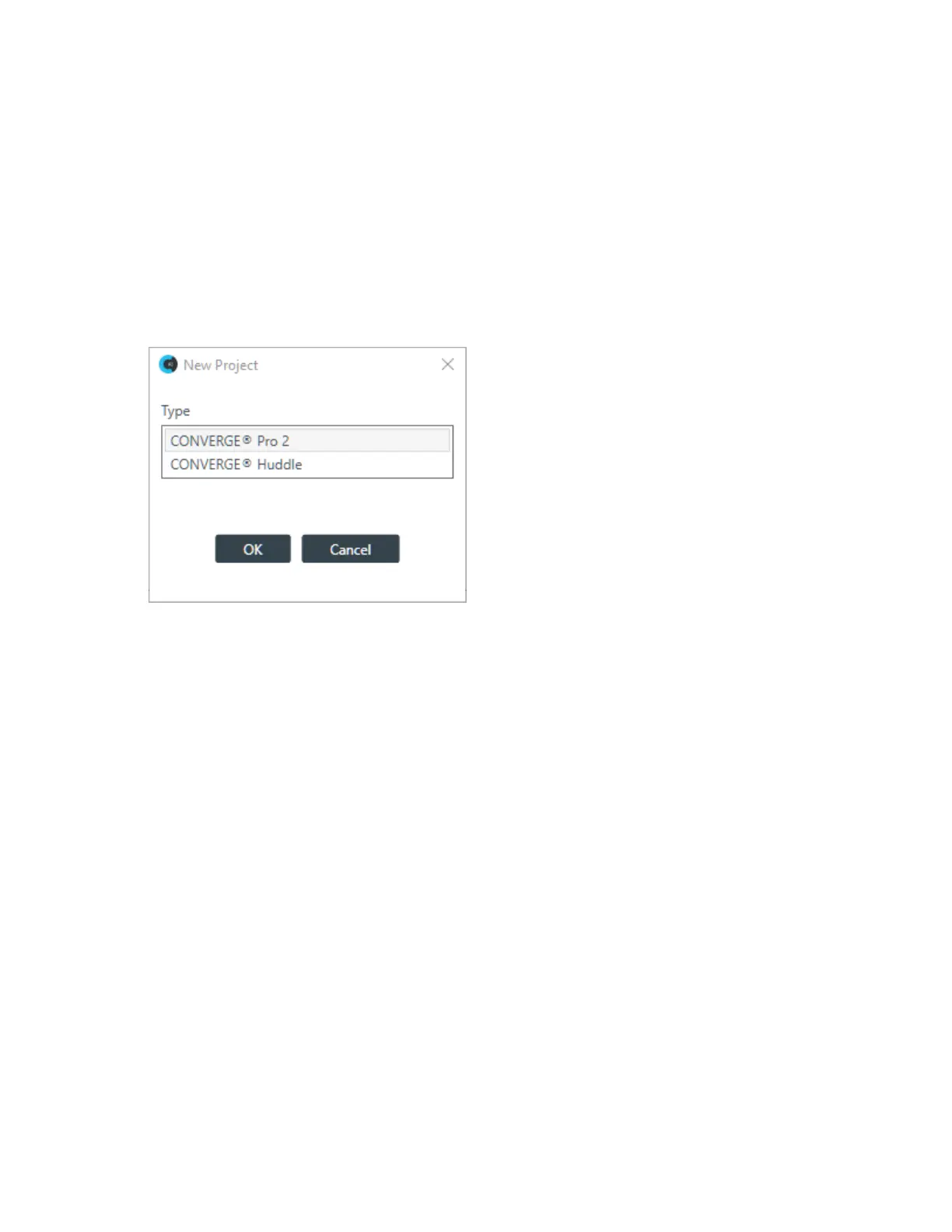
2. If the CONSOLE AI application is configured to use both CONVERGE Huddle and CONVERGE Pro 2
as active products, the New Project dialog box appears to let you choose a product. (If the application
is configured to use only CONVERVE Pro 2 products, you will see the second New Project dialog box
below, listing CONVERGE Pro 2 devices, rather than the first New Project dialog box shown below; you
can skip directly to the second New Project dialog box below.)
3. Click CONVERGE
®
Pro 2, and then click OK.
The New Project dialog box appears:
CONSOLE AI User Manual









 To Next Page