CONSOLE AI | Adding Devices (CP2) | 111
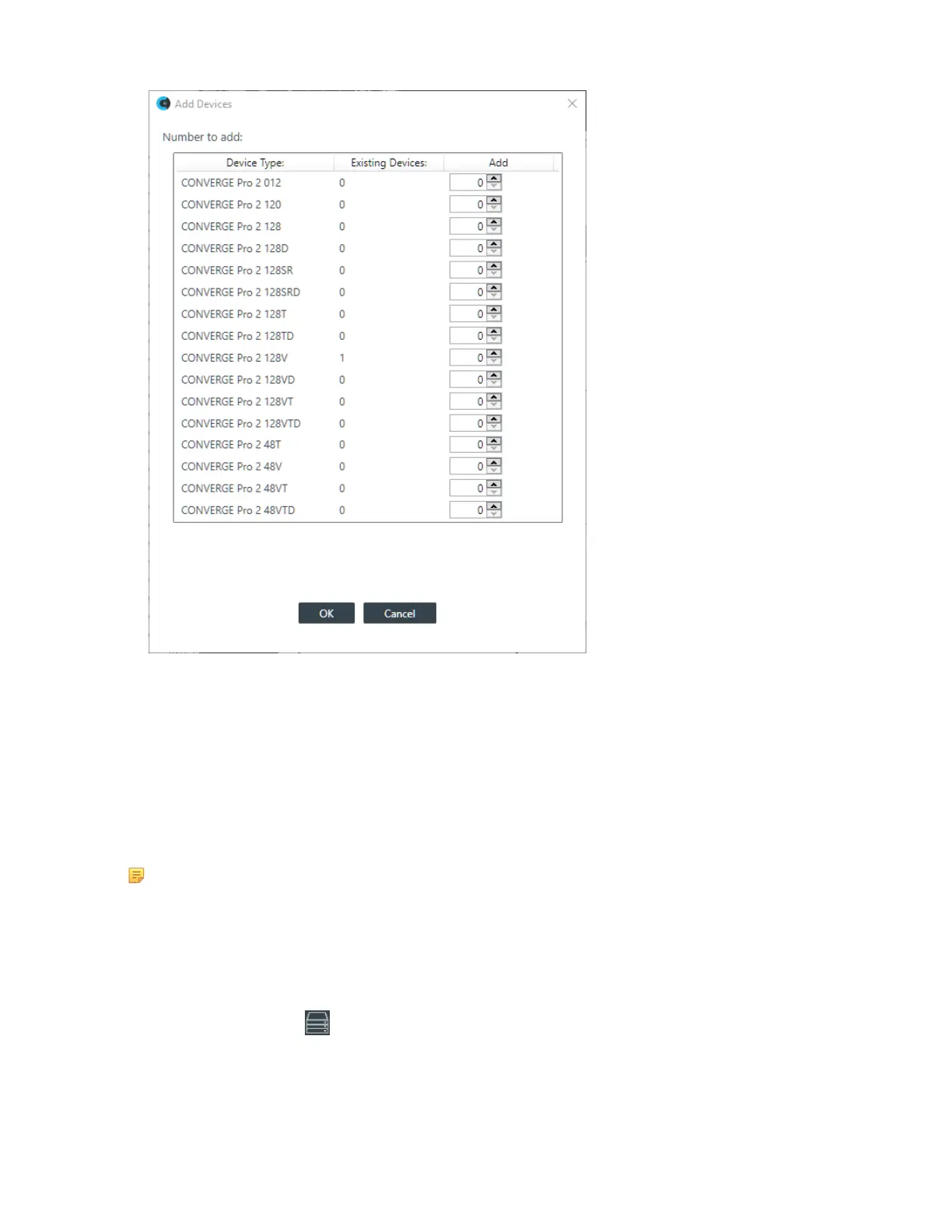
4. Next to the device model you want to add, either type the number of devices of that type you want to
add or use the incrementer and decrementer buttons to specify how many devices of that type to add.
Repeat for each of the devices you want to add.
5. Click OK.
The specified devices are added to the project.
Adding a Beamforming Microphone Array 2
You can add a Beamforming Microphone Array 2 (BMA2) device to a CP2 project.
Note:
If you are not using Long-distance P-link, you can add up to three BMA2 devices per CP2 unit in
the stack. If you are using Long-distance P-link, you can add up to three BMA2 devices. See About
Long-distance P-link for more information.
To add a BMA2 device:
1. If you have not already done so, create or open a CP2 project.
2.
From the toolbar, click .
The Devices dialog box appears:
CONSOLE AI User Manual









 To Next Page