CONSOLE AI | Configuration - Offline (Huddle) | 107
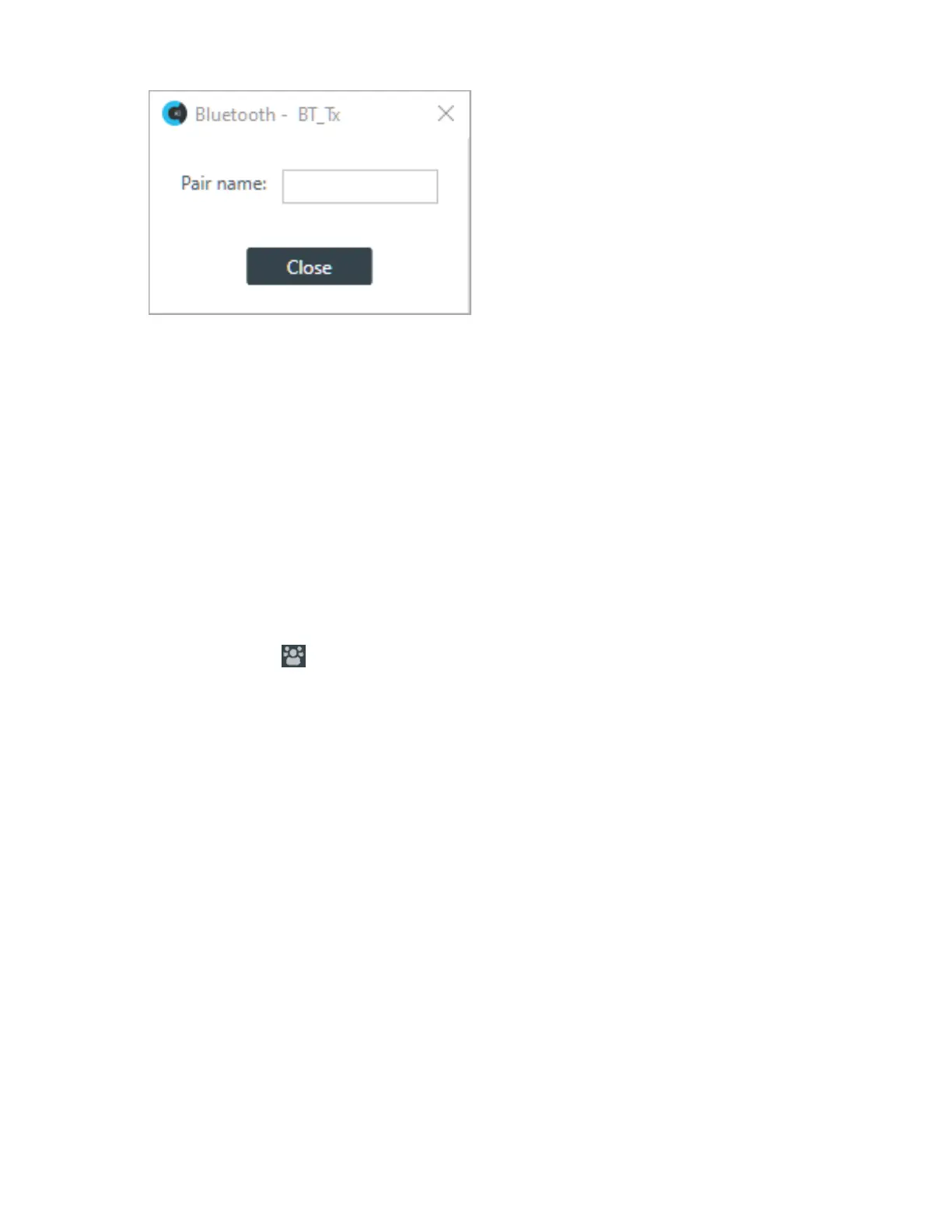
5. (Optional) Type a value in the Pair name text box.
Mute
6. To mute this channel, click the Mute button (the button changes to red if the channel is muted).
Gain
7. You can change the gain in any of the following ways:
• Drag the slider
• Type a value in the text box
• Click the incrementer and decrementer arrows beside the text box to set the value
Changing Gating Group Mics and Properties (Huddle)
You can change the properties of the Huddle mics gating group.
To change the properties of a gating group:
1.
In the Toolbar click .
The Gating Groups dialog box appears:
CONSOLE AI User Manual









 To Next Page