CONSOLE AI | Configuration - Offline (Huddle) | 85
Option Description
Decay Rate How fast a channel gates off after the Hold Time expires. The default is
Medium.
Chairman Override Provides gating priority for this mic input over any other mic input within
the same gating group that is set to Auto gating mode. When a mic
with Chairman Override enabled gates on, all mics which do not have
Chairman Override enabled will gate off. The default is Off.
PA Adaptive Mode Uses the audio level on a specified output as the new ambient
level when audio is present at the power amplifier. This prevents
loudspeaker audio from gating on the mic while still allowing people
in the room to gate on microphones when they speak (provided that
their voices are louder than the loudspeaker audio). For example, you
might decide to play background music from a CD player during a
presentation. PA Adaptive Mode allows you to use the output routed
from the CD player as the ambient reference to prevent the CD
player’s audio from gating on microphones.
33.Click Close.
Changing Channel Properties - Line Input (Huddle)
You can use channel properties to modify a Line Input channel.
You can make any of the following changes:
Feature Description
Sig Gen Lets you turn on the signal generator for this channel and change the
signal generator settings.
Gain The Gain slider adjusts the volume level for a mic input channel.
Mute Mute a microphone.
To change the properties for a Line Input channel:
1. In the Navigation Panel, choose Channel Properties.
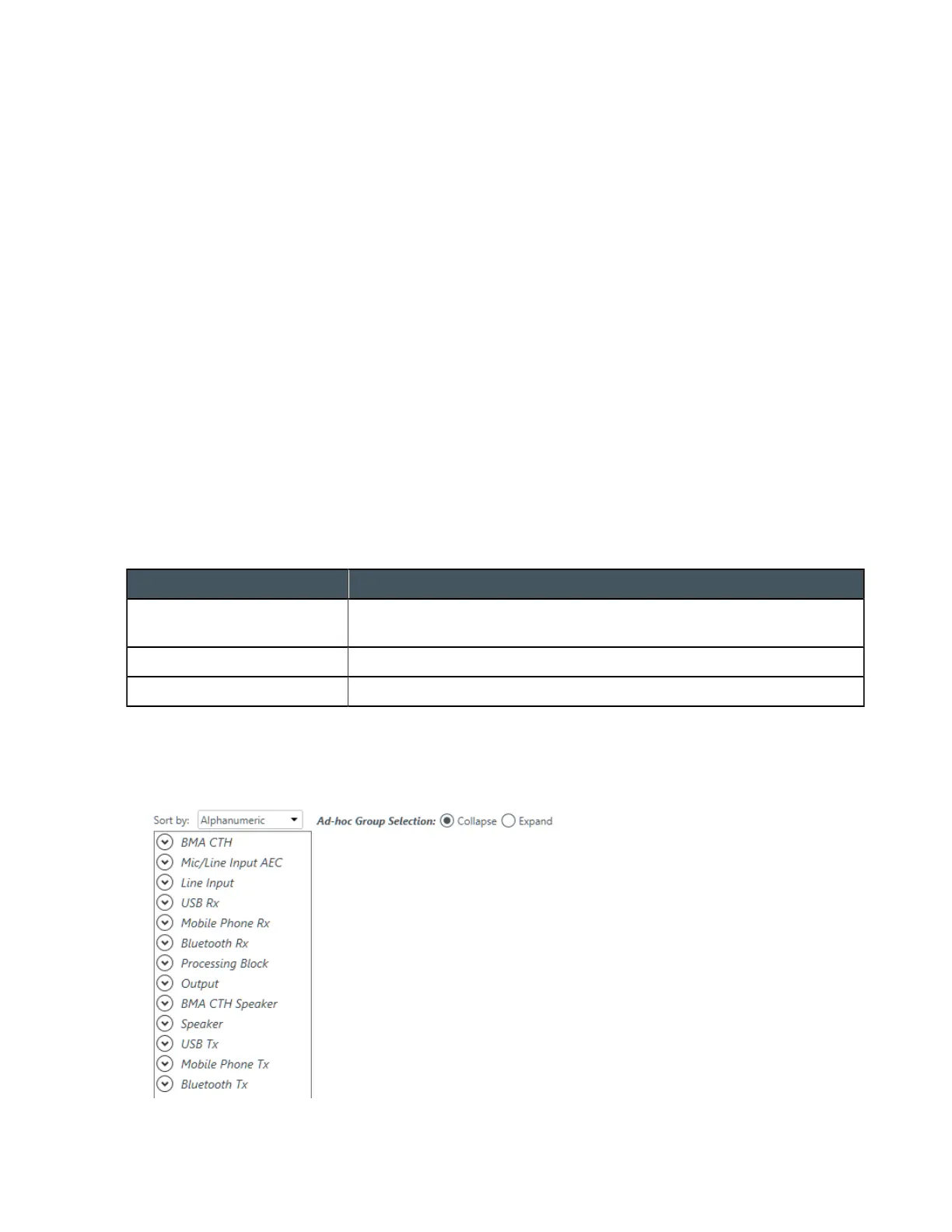
The Channel Properties screen appears:
2. Click Line Input to open the channel list.
CONSOLE AI User Manual









 To Next Page