CONSOLE AI | Macros and Timers (CP2) | 172
Recording Macros
You can create a macro by recording actions using FlowView, MatrixView, channel properties, or Gating
Groups. For more information about macros, see About Macros. For information about running a macro,
see Running a Macro.
Note:
If you want to be able to add macro commands other than setting routes or channel properties, you
must use the Macros screen. See Adding Macros for more information.
Note:
You can also run a macro at a specified time on or on a specified schedule. See About Timers for
more information.
To record a macro:
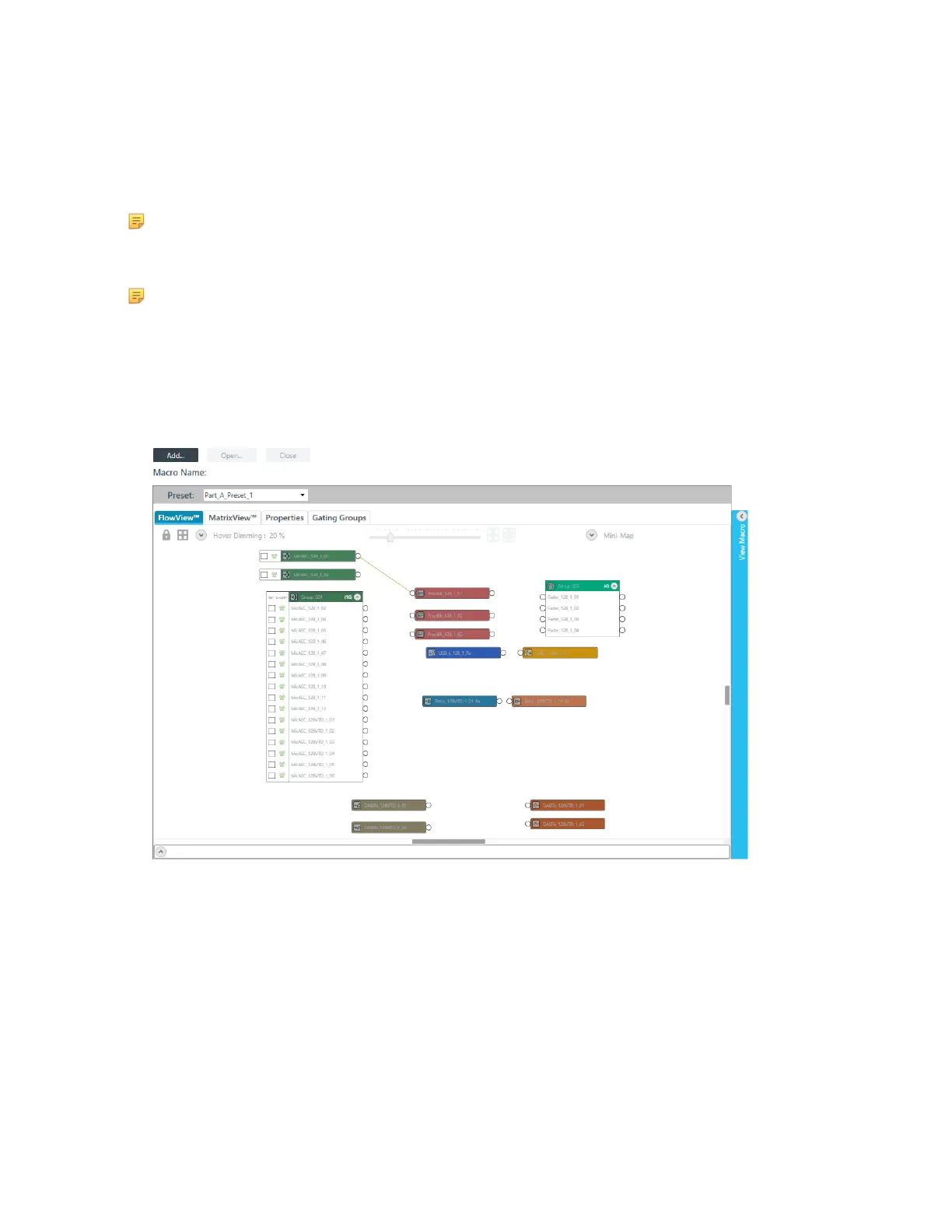
1. From the Navigation Panel, choose Macro Recorder.
The Macro Recorder screen appears:
Add a New Macro
2. To create a new macro, click Add.
The Add Macro dialog box appears:
CONSOLE AI User Manual









 To Next Page