CONSOLE AI | Adding Partitions, Channels, and GPIO Settings (CP2) | 166
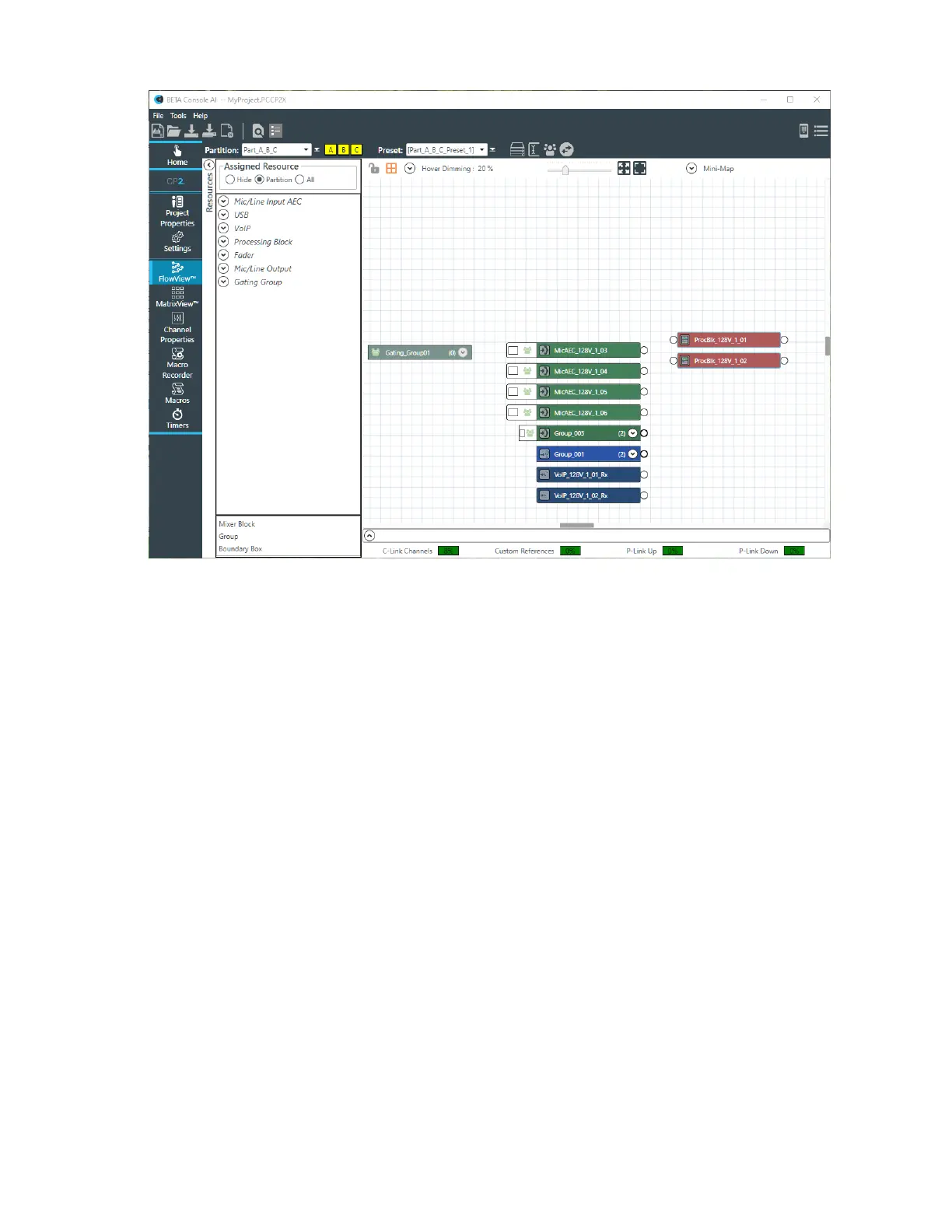
2. One way to add a group is to drag Group at the bottom of the resource list into the main FlowView
area. When you do, the name becomes editable, so you can name the group. Then drop channels on
top of the Group resource to add them to the group.
3. Another way to add channels to a group is to right-click somewhere in the FlowView area (not on an
existing channel) and then from the context menu that appears choose Create and then Group. Just as
with dragging a group resource into the FlowView area, you can then give the group a name and drop
channels on top of the group.
4. Yet another way to add channels to a group is to select multiple channels in the FlowView area and then
right-click any of the selected channels and from the context menu that appears, choose Create and
then Group. The selected channels are added to a group, and you are given the chance to type the
name of the group.
5. Finally, you can also create a group by dropping one or more channels on top of a similar channel type.
Doing so will add all the channels into a group and give you a chance to name the group.
Changing GPIO Configuration
You can change the GPIO settings for a device using the GPIO Configuration tool.
GPIO stands for General-Purpose Input/Output. CONVERGE Pro 2 units have four GPIO pins that let the
CP2 receive input from and send output to GPIO-compatible equipment. For example, room dividers can
be configured to send their current state when opened or closed.
To configure the GPIO pins for a device:
1. How you configure GPIO pins depends in part on whether you are using Simple Room mode (no
partitions) or Advanced Room mode (using partitions). The following sections are divided up by whether
you are using the Simple Room or Advanced Room mode.
Simple Room Mode
CONSOLE AI User Manual









 To Next Page