CONSOLE AI | Adding Partitions, Channels, and GPIO Settings (CP2) | 163
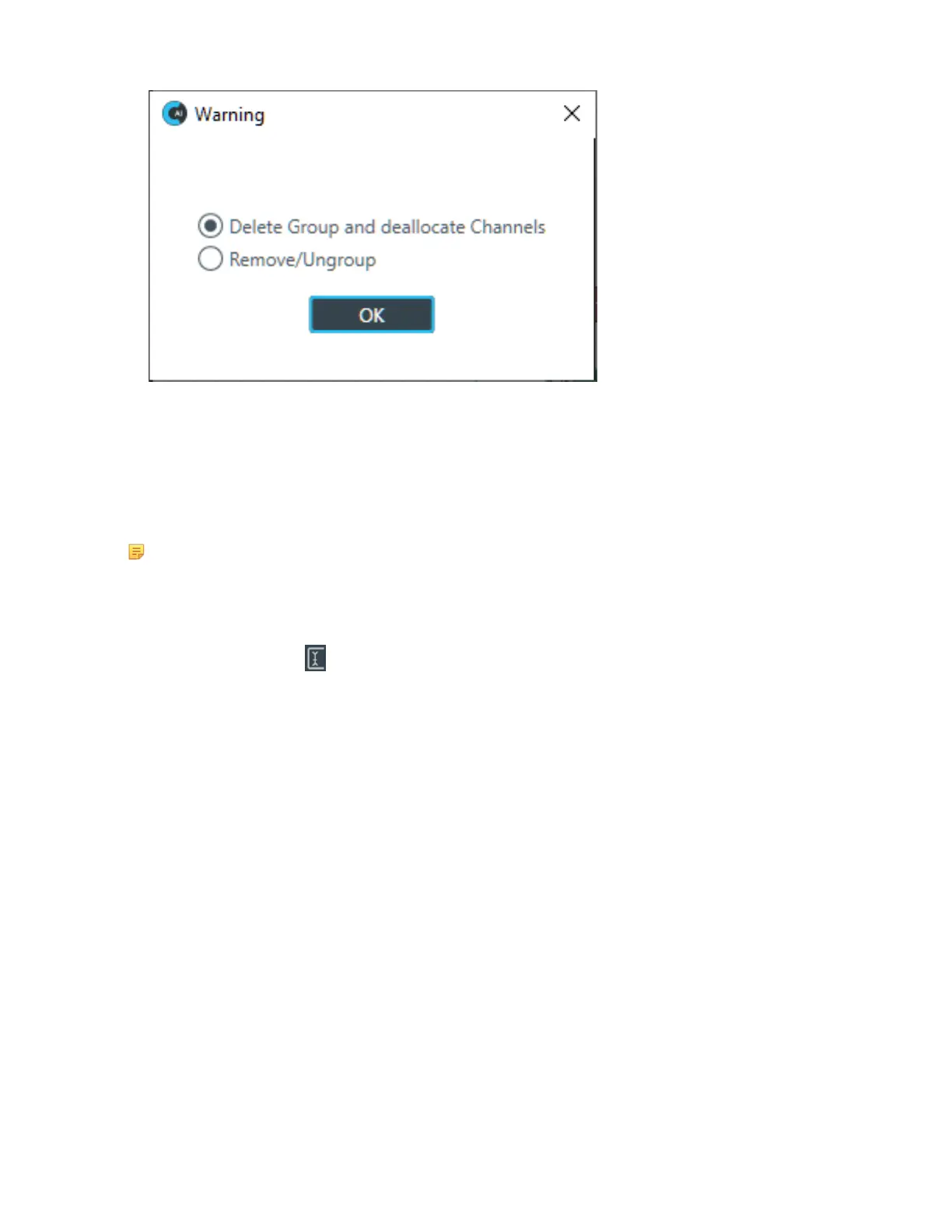
4. To remove the entire group, select Delete Group and deallocate Channels and then click OK.
Naming Channels using Channel Names/Naming Tool (CP2)
You can give unique names to channels to make it easier to identify them and work with them. This topic
describes naming assets using the Channel Names dialog box and the Naming Tool (available from the
Channel Names dialog box).
Note:
You can also name channels from within FlowView by clicking on the name on its icon in the main
FlowView area. The name becomes editable, and you can type a name.
To name assets:
1.
From the toolbar, click .
The Channel Names dialog box appears:
CONSOLE AI User Manual









 To Next Page