CONSOLE AI | Adding Partitions, Channels, and GPIO Settings (CP2) | 164
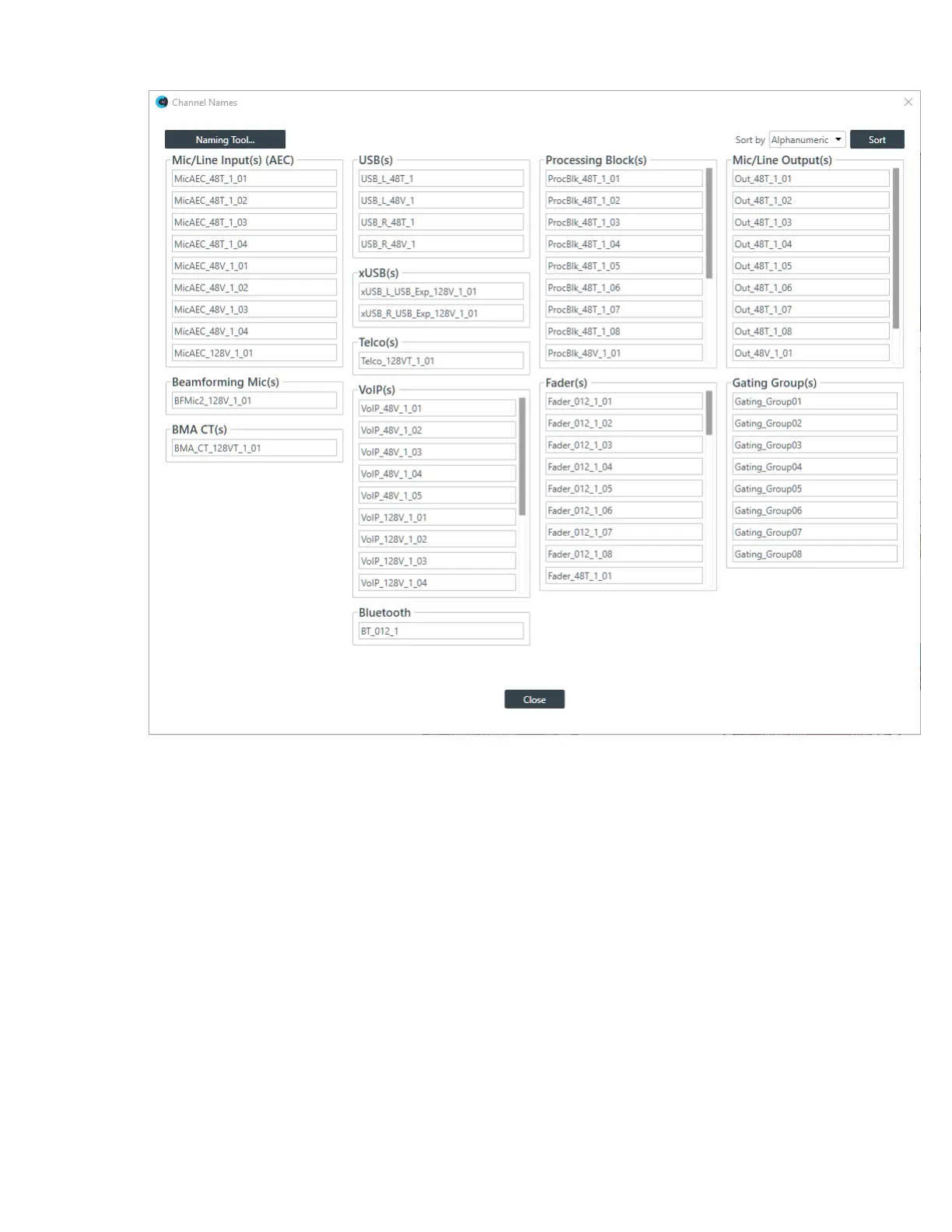
2. (Optional) To change how channels are sorted (alphanumerically or by device and connection), choose
an option from the Sort by drop-down list at the top of the Naming screen and then click Sort.
3. (Optional) You can change the name of each asset individually by clicking in the name field next to that
asset and typing a new name.
4. (Optional) Click Naming Tool to change the names of multiple assets at once, by type, using the
naming tool.
The Naming Tool dialog box appears:
CONSOLE AI User Manual









 To Next Page