CONSOLE AI | Interface | 40
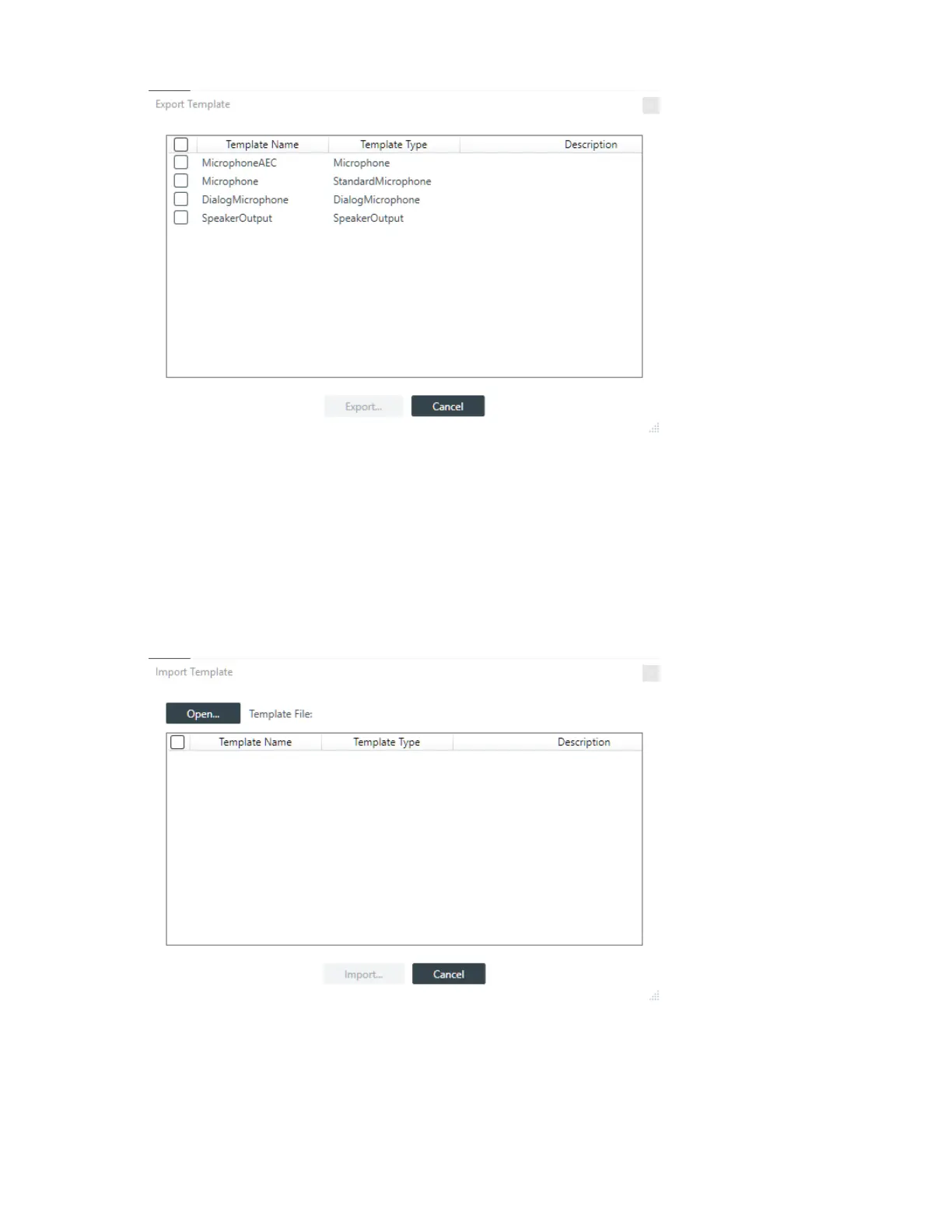
6. Put check marks next to any templates you want to include in the export.
You can check the box at the top of the list to select all templates.
7. Click Export.
A Save As dialog box appears.
8. Specify the name and location of the template file, then click Save.
Import Templates
9. To import templates from a file you have previously exported, click Import.
The Import Template dialog box appears:
10.Click Open.
An Open dialog box appears to let you choose a template file.
11.Choose a file and then click Open.
All templates in the file are shown in the list:
CONSOLE AI User Manual









 To Next Page