CONSOLE AI | Interface | 35
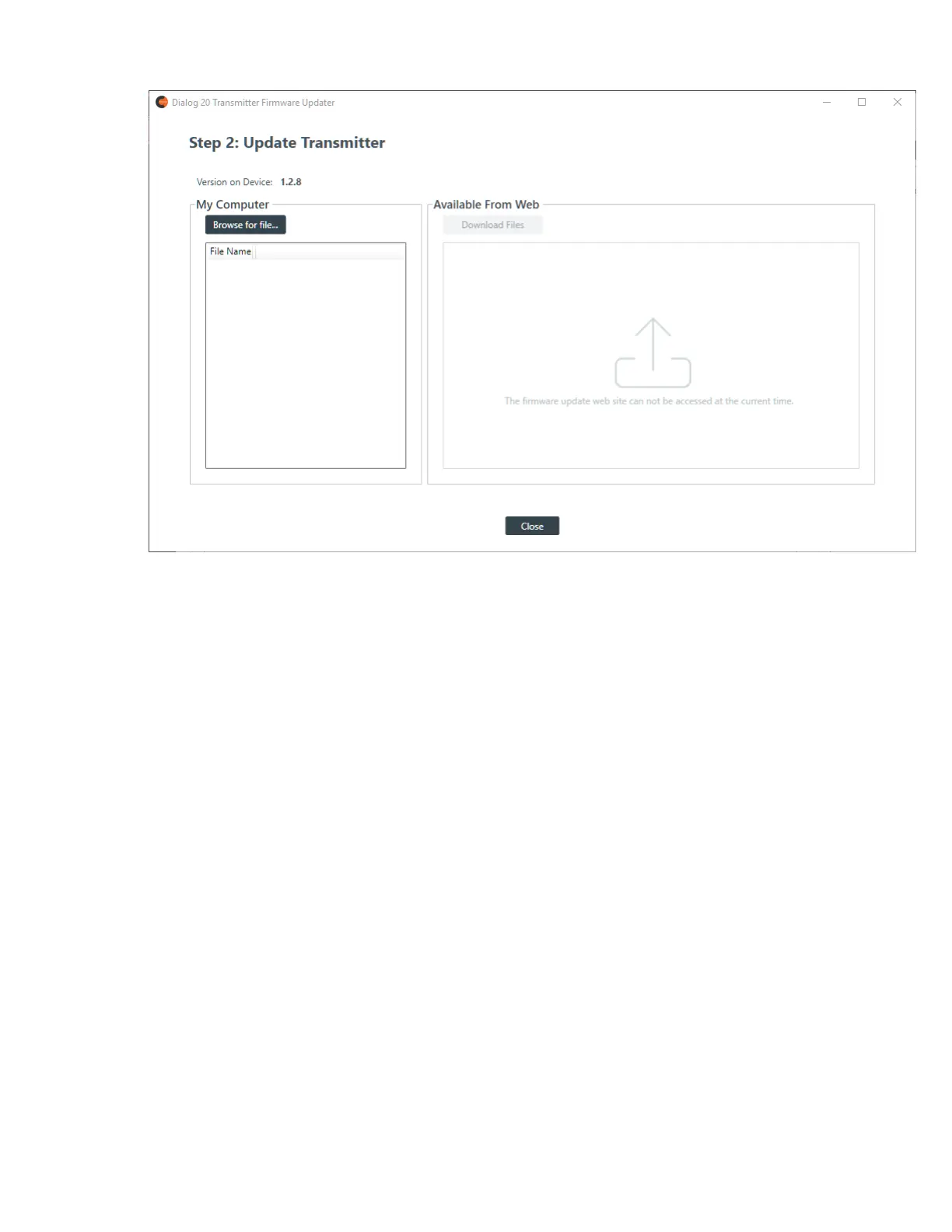
3. If any updated firmware files can be located from the ClearOne updater web site, they appear in the
Available From Web area. Select a file to download and click Download Files.
Once the file is downloaded, the update begins.
4. If you aren’t connected to the Internet, or if the firmware file you want to use to update the transmitter is
already on your hard drive, click Browse for File.
An Open dialog box appears to let you choose a file. Once you have chosen a file, the update begins.
5. When the update is complete, the following screen appears:
CONSOLE AI User Manual









 To Next Page