CONSOLE AI | Interface | 34
To upgrade the firmware for a DIALOG 20 transmitter:
1. From the Tools menu, choose Dialog 20 Transmitter Updater.
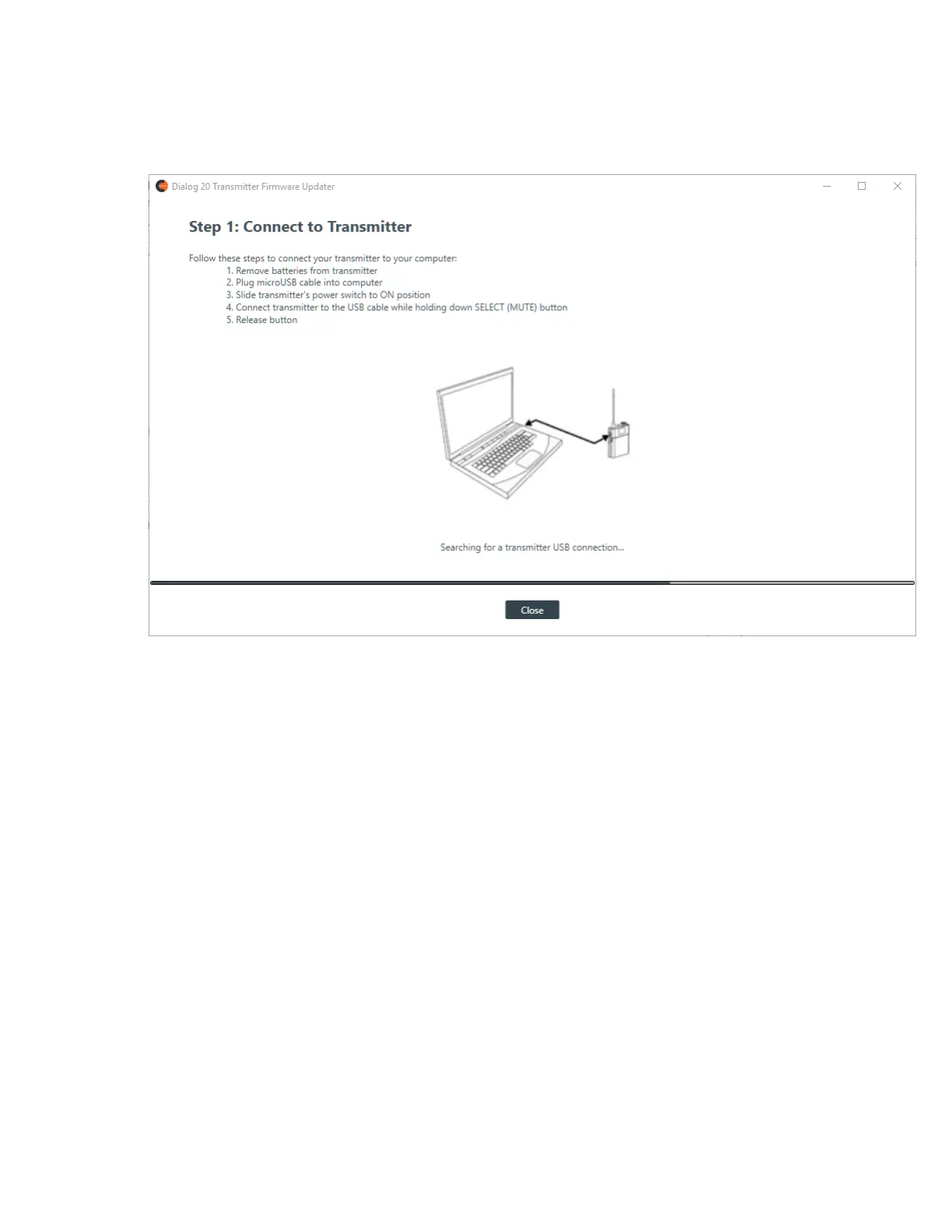
The Dialog 20 Transmitter Firmware Updater appears:
2. Using a USB cable with a Mini USB connector on one end (to connect to the D20 transmitter) and a
Type A USB connector on the other end (to connect to a PC), connect the DIALOG 20 Transmiter to the
PC where CONSOLE AI is installed.
Once the transmitter is located, the updater advances to Step 2:
CONSOLE AI User Manual









 To Next Page