CONSOLE AI | Adding Devices (CP2) | 120
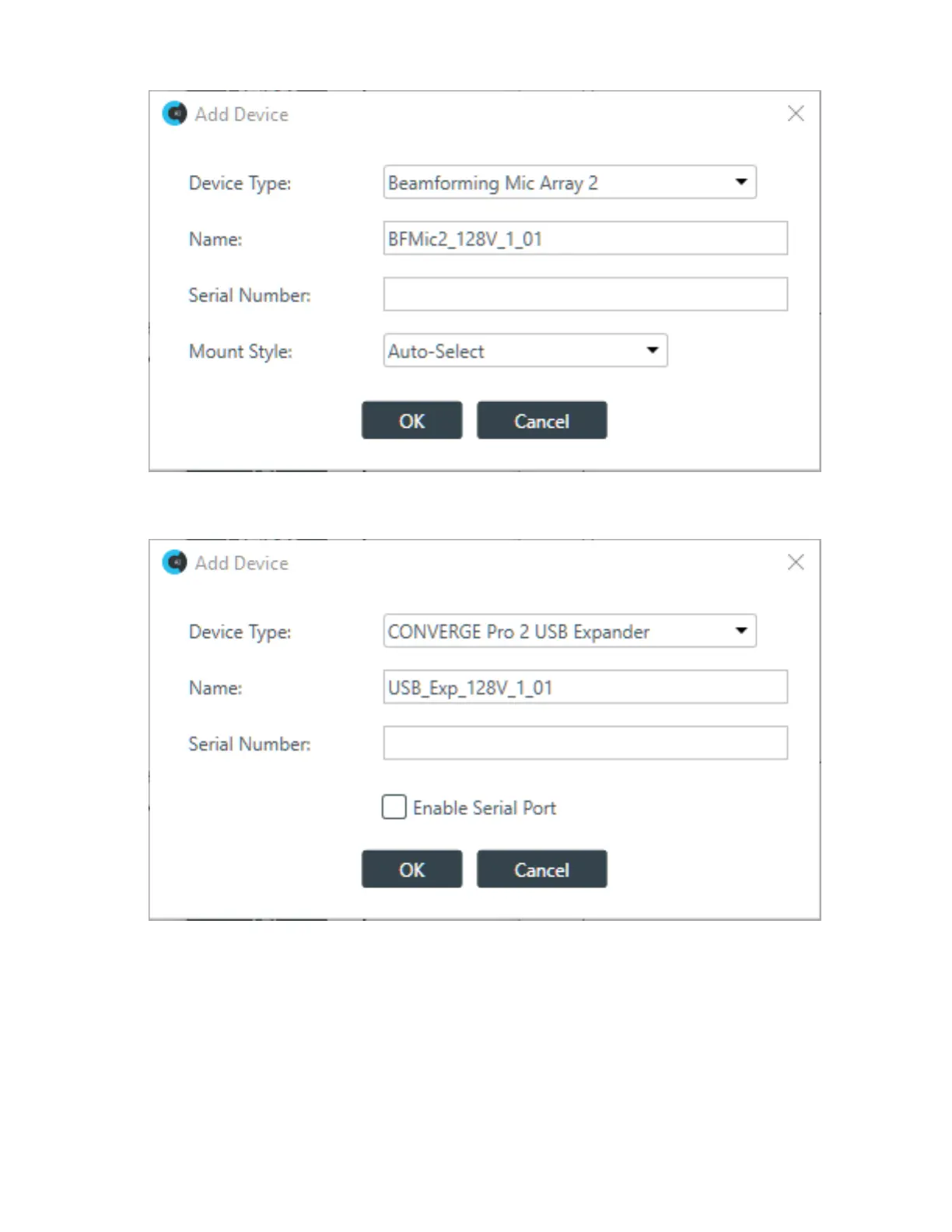
4. Select USB Expander from the Device Type list.
The USB Expander settings appear:
5. Type a name in the Device Name field.
The Serial Number is filled in automatically if a device is detected.
6. If you intend to have the device pass serial port communications, such as from a Touch Panel
Controller, check Enable Serial Port.
7. Click OK.
The device is added to the specified CONVERGE Pro 2.
CONSOLE AI User Manual









 To Next Page