CONSOLE AI | Adding Devices (CP2) | 126
The tabs shown on this dialog box depend on the type of device. All devices have General and
Network tabs. Devices with VOIP capability have VoIP and IP-Phone tabs. Devices with Telco
capability have a Telco tab.
3. Select the Network tab.
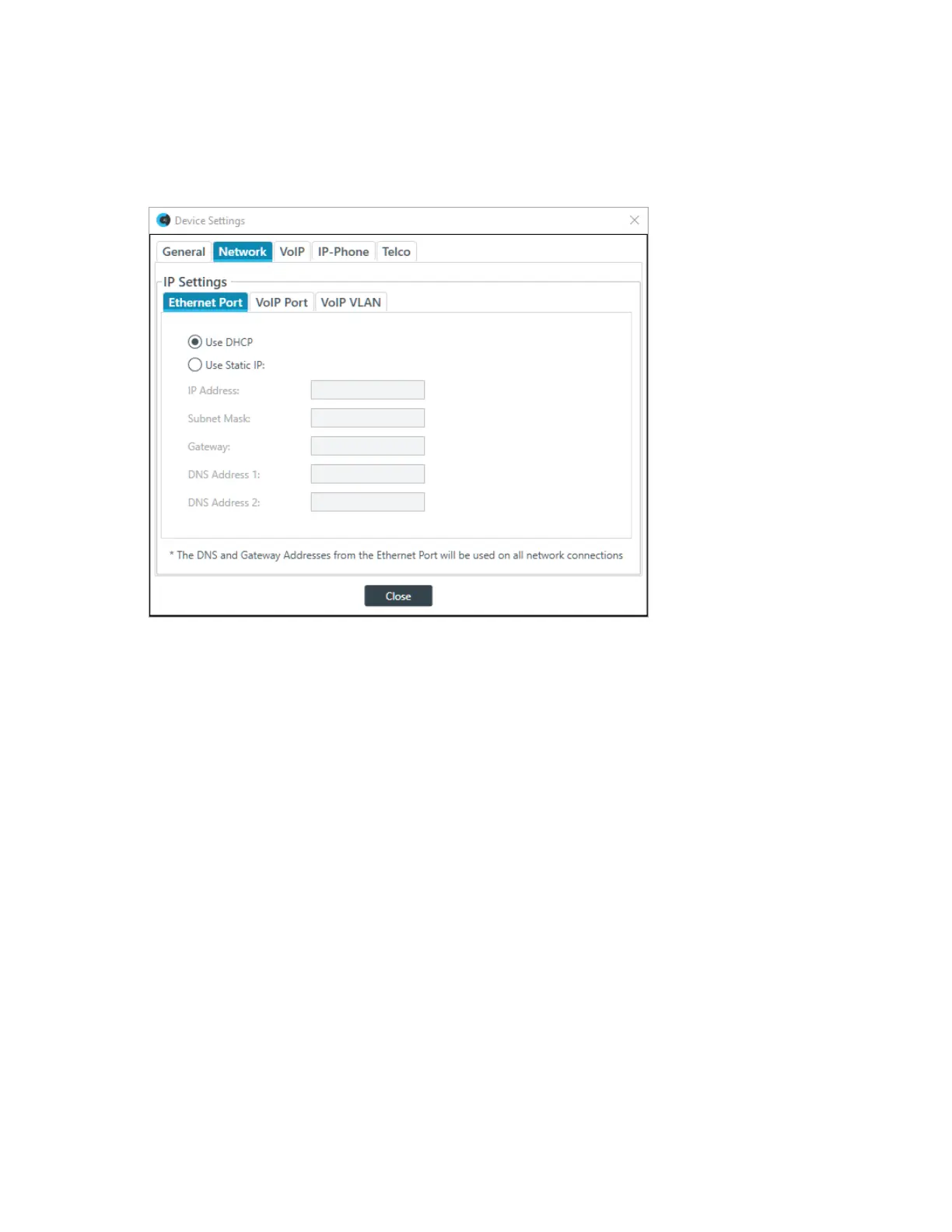
The Network settings appear:
Ethernet Port
4. If it’s not already selected, under IP Settings, select the Ethernet Port tab.
These settings apply to the Ethernet port on the back panel of the CP2 device.
5. (Optional) Change any of the settings (described in the table below).
Option Description
Use DHCP Select to use DHCP to automatically configure network
settings for the device.
Use Static IP Select to set a static IP address.
IP Address (Static IP only) When using a static IP address, specify the IP address.
Subnet Mask (Static IP only) When using a static IP address, specify the subnet mask.
Gateway (Static IP only) When using a static IP address, specify the gateway address.
DNS Address 1 (Static IP only) When using a static IP address, specify a primary DNS server
address.
DNS Address 2 (Static IP only) When using a static IP address, specify a secondary DNS
server address.
VoIP Port (VoIP-capable devices only)
6. Under IP Settings, select the VoIP Port tab.
These settings apply to the VoIP port on the back panel of the CP2 device, if there is one. Not all VoIP-
capable CP2 devices have both a VoIP port.
The VoIP Port settings appear:
CONSOLE AI User Manual









 To Next Page