CONSOLE AI | Managing Channels (CP2) | 231
3. (Optional) Choose a preset from the Preset drop-down list.
4. Click Dialog Microphone to open the channel list.
5. Select the channel you want to change.
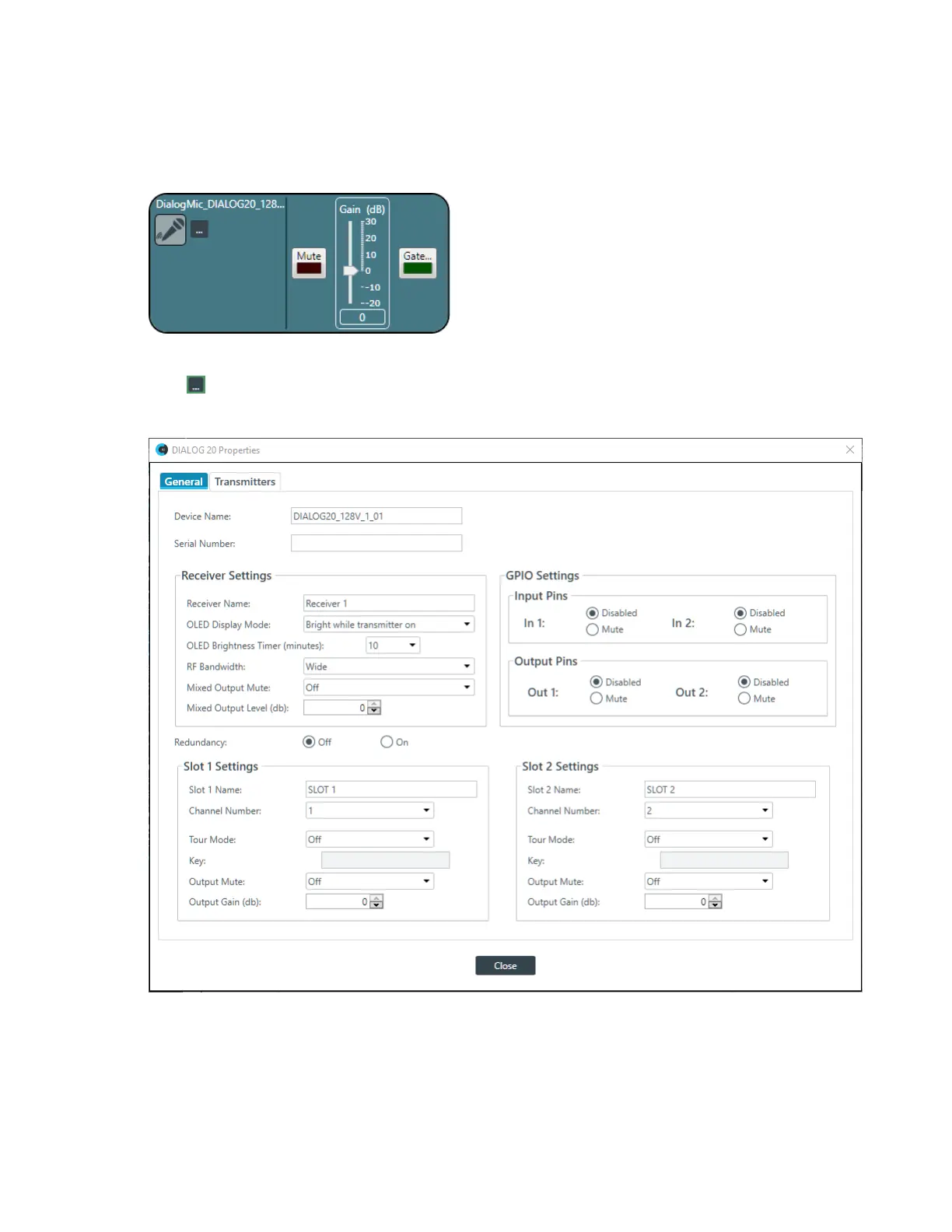
The Dialog Microphone Channel Properties block appears:
Device Properties
6.
Click to change the device properties.
The DIALOG 20 Properties dialog box appears:
7. (Optional) Change any of the settings (described in the table below).
Option Description
Device Name The name of the device as it appears in the CONSOLE AI.
Serial Number The serial number of the DIALOG 20 device. If the device is
detected, this is filled automatically.
CONSOLE AI User Manual









 To Next Page