CONSOLE AI | Online Mode (Huddle) | 282
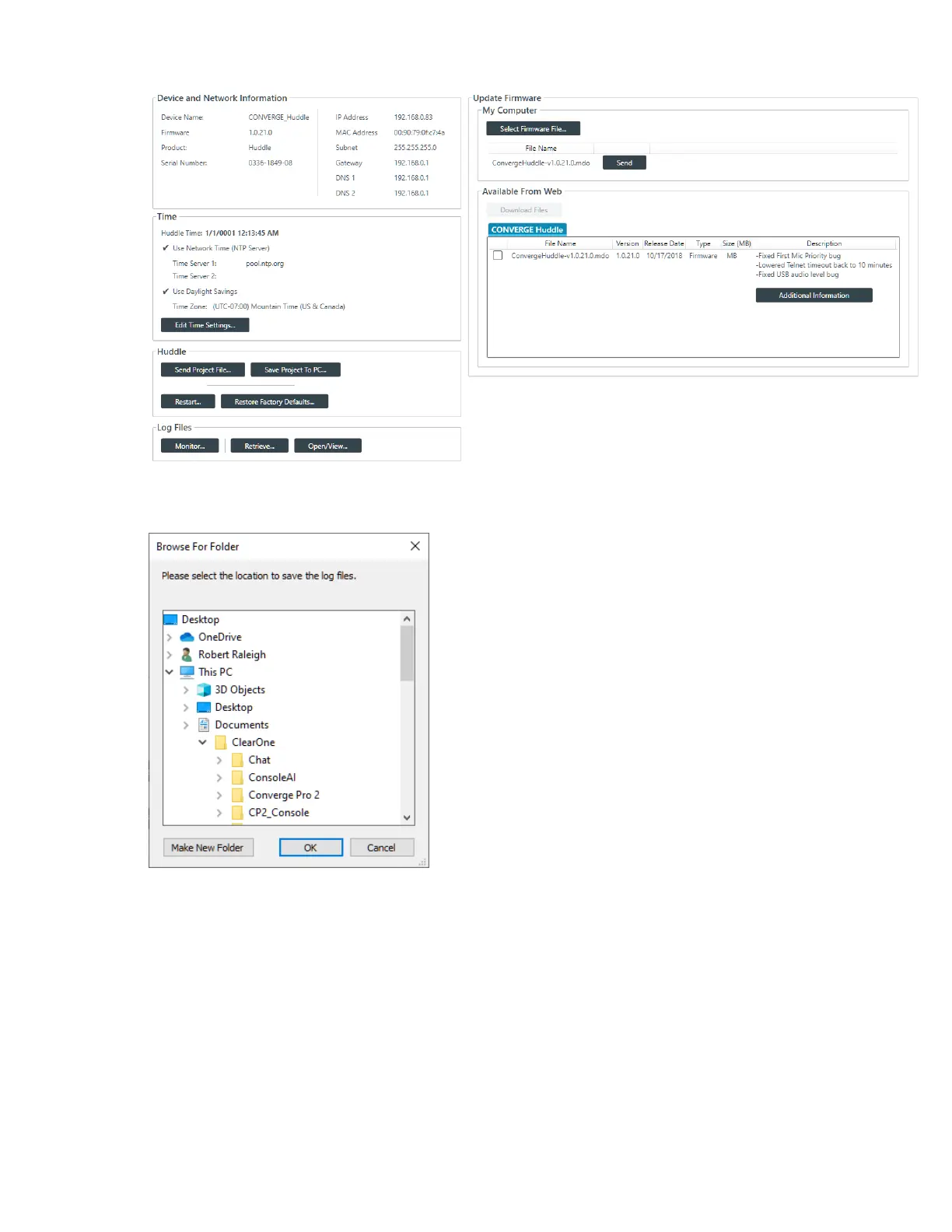
3. Under Log Files in the Admin screen, click Retrieve.
The Browse for Folder dialog box appears:
4. Using the Browse dialog box, specify the folder where you want to save the log file.
5. (Optional) If you want to create a sub-folder within the Log folder, to organize logs, click Make New
Folder, type a name for the new folder, then press Enter.
6. Click OK.
The log files from that device are saved to the specified location.
7. (Optional) You can view log files you have retrieved by clicking the Open/View button.
For more information about viewing log files, see Using the Log Viewer.
8. You can also retrieve log files from the device and then open them for monitoring in real time. To do so,
click Monitor.
The Browse for Folder dialog box appears:
CONSOLE AI User Manual









 To Next Page