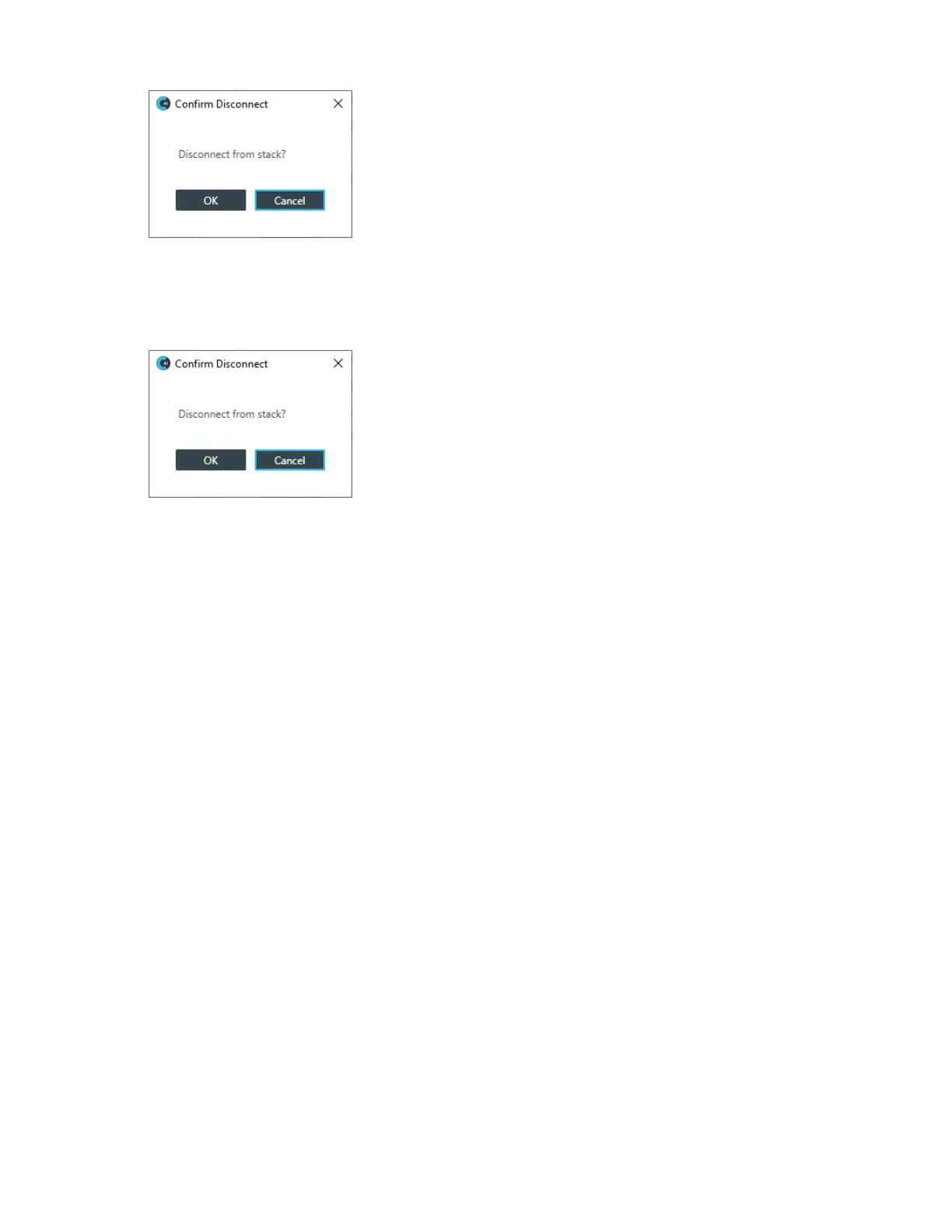
6. To disconnect from the stack, click OK.
When No Changes Have Been Made to Live Values
7. If you haven’t made any changes to live values since the project was last committed to the device, the
Confirm Disconnect dialog box appears:
8. To disconnect from the stack, click OK.









 To Next Page