CONSOLE AI | Interface | 43
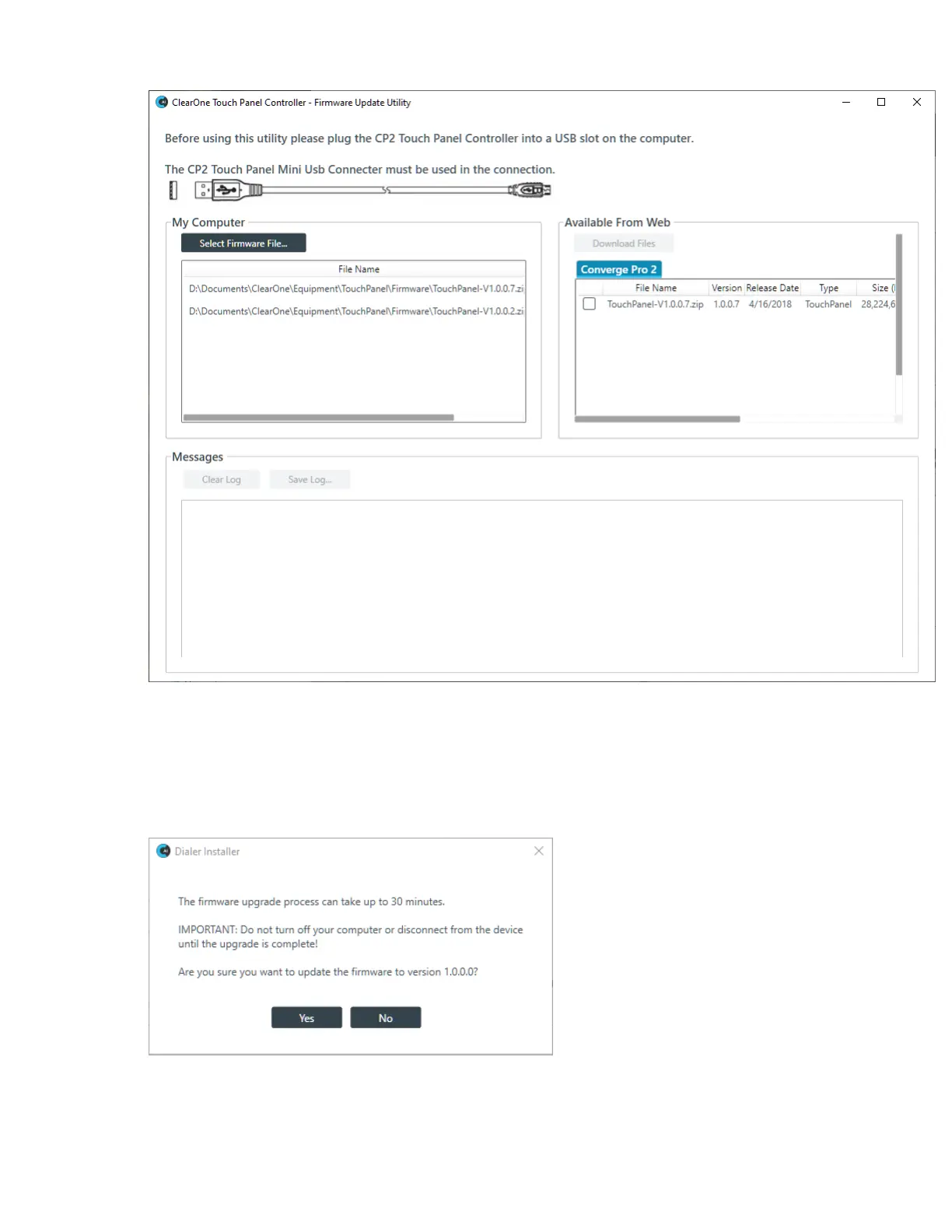
4. If any firmware update files are available from ClearOne, they appear under Available From Web.
Select the check box next to a file you want to download and click Download Files.
The selected file is downloaded to your computer and appears in the My Computer box with a Send
button next to it.
5. Click Send next to a firmware file under My Computer to send it to the attached Touch Panel Controller.
A dialog box appears to let you confirm whether you want to complete the firmware upgrade:
6. Click Yes to send the firmware file to the Touch Panel Controller.
7. Alternatively, you can browse for and select a firmware file to send by clicking Select Firmware File
and choosing a file from the Open dialog box that appears.
CONSOLE AI User Manual









 To Next Page