Note:
No confirmation is required to delete presets.
Rename a Preset
11.To rename a preset, select the preset you want to rename from the Preset drop-down list.
12.From the Preset menu, choose Rename.
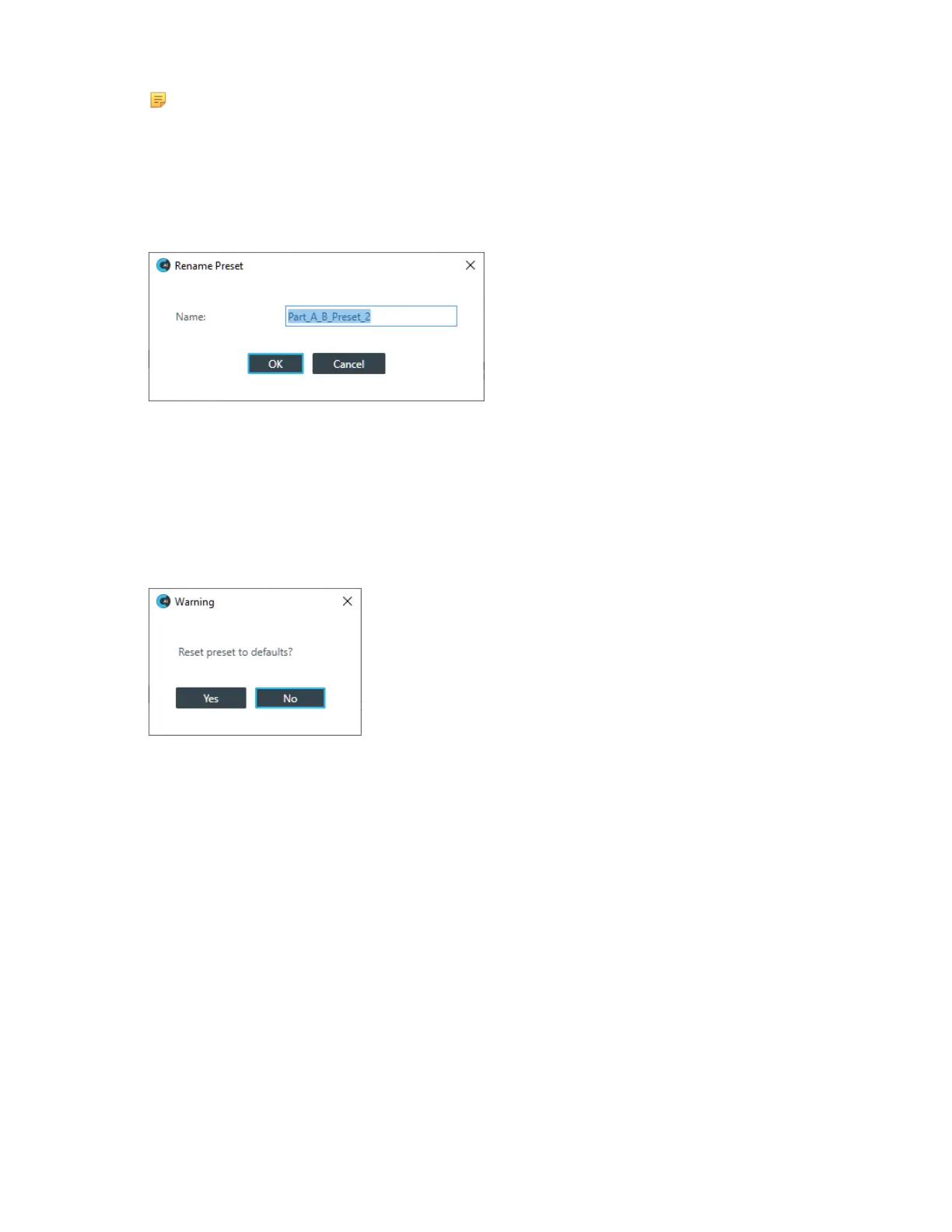
The Rename Preset dialog box appears:
13.Type a new name in the Name field.
14.Click OK.
Reset a Preset
15.To reset a preset to its default settings, select the preset you want to reset from the Preset drop-down
list.
16.From the Preset menu, choose Reset.
A warning appears:
17.Click Yes to reset the preset to its default values.
Set a Preset as the Default for a Partition
18.To set a preset as the default preset for a partition, select the preset from the Preset drop-down list.
19.From the Preset menu, choose Set as Default.
The preset becomes the default for the partition. No confirmation is required.









 To Next Page