CONSOLE AI | Configuration - Offline (Huddle) | 71
Feature Description
Acoustic Echo Cancellation
(AEC)
AEC (Acoustic Echo Cancellation) reduces or removes acoustical echo
from an input signal, thereby improving audio clarity. CONVERGE
Huddle devices perform AEC using the full bandwidth (20Hz to 22kHz)
of the signal. AEC uses a reference source to perform AEC based on the
acoustic characteristics and dynamics of a specific room.
Noise Cancellation (NC) Noise Cancellation is a process in which ambient (background) noise is
removed from an input signal, with no noticeable degradation in signal
quality. This settings is used primarily for audio and video conferencing.
Mute Mute a microphone.
Automatic Level Control (ALC) ALC automatically keeps an input signal at a constant level, and is
generally used to keep speech levels constant onMic Input channels.
Filter Filters enable you to shape the audio signals from mic inputs channels
for improved audio quality. Up to four filters can be added to a mic input
channel. Available filter types are All Pass, High Pass, Low Pass, Notch,
and Parametric Equalizer (PEQ).
Gate Settings Gate settings control when a microphone is gated on or off, based on
audio environment factors for this microphone and other microphones in
the same gating group.
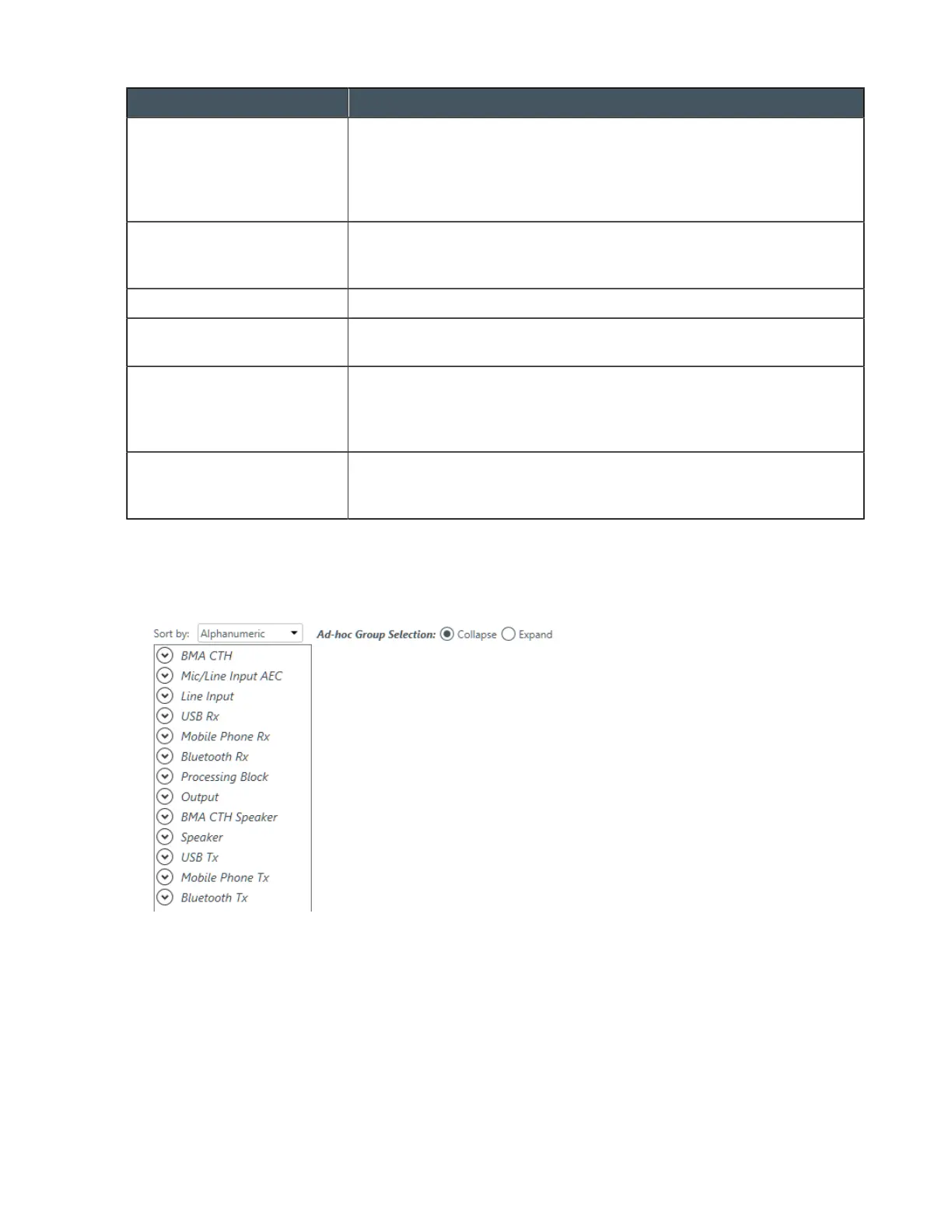
To change the properties for a BMA CTH channel:
1. In the Navigation Panel, choose Channel Properties.
The Channel Properties screen appears:
2. Click BMA CTH to open the channel list.
3. Select the channel you want to change.
The BMA CTH Properties block appears:
CONSOLE AI User Manual









 To Next Page