CONSOLE AI | Configuration - Offline (Huddle) | 74
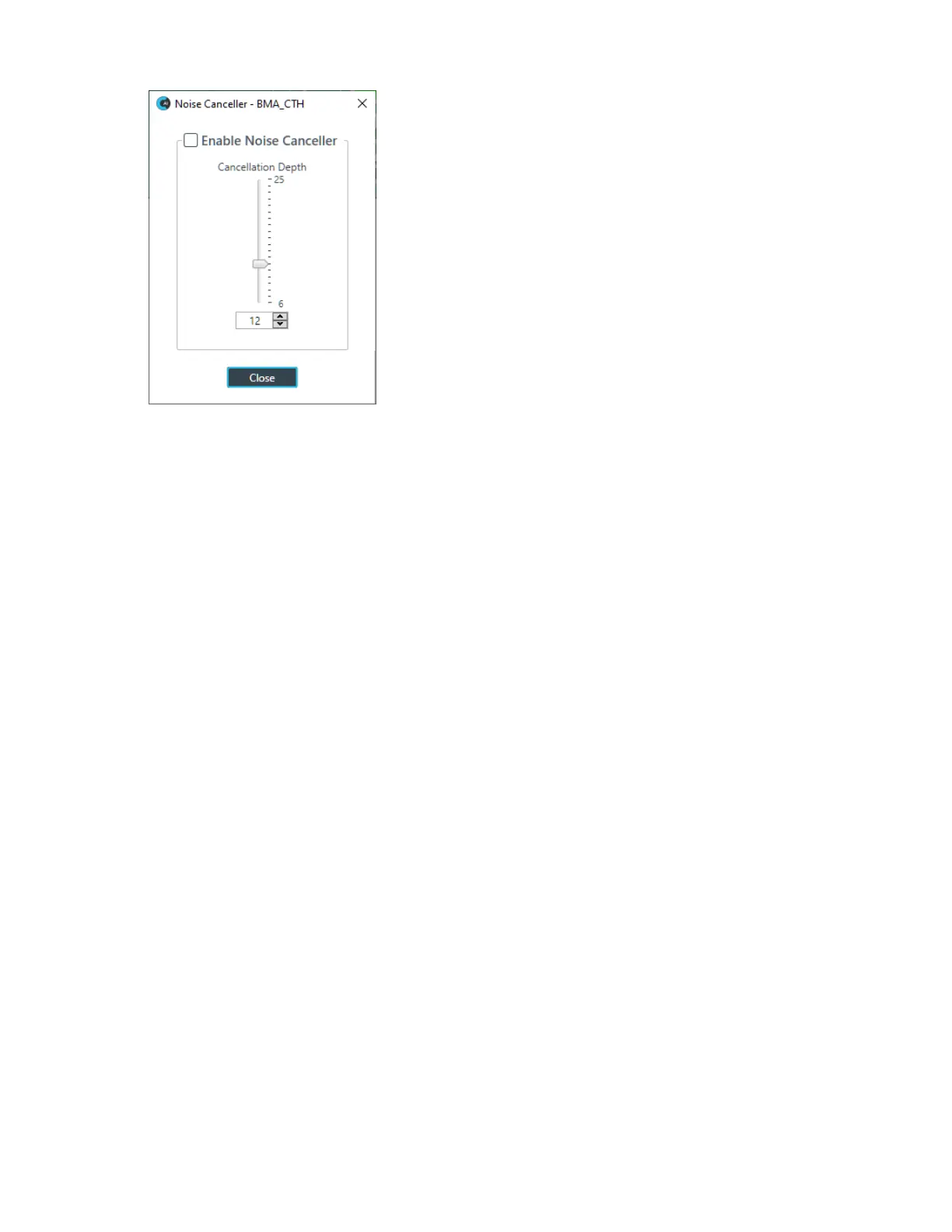
11.Check the Enable Noise Canceller check box to turn on NC.
12.Use any of the following methods to change the cancellation depth:
• Drag the slider
• Type a value in the text box
• Click the incrementer and decrementer arrows beside the text box to set the value
13.Click Close
Mute
14.To mute this channel, click the Mute button (the button changes to red if the channel is muted).
ALC
15.To turn ALC on, click the ALC button (the button changes to light green if ALC is on).
Filter
16.To enable and configure a filter, click the Filter button.
The Filters dialog box appears:
CONSOLE AI User Manual









 To Next Page