CONSOLE AI | Configuration - Offline (Huddle) | 76
Option Description
Gain (dB) The gain value for the filter you are configuring. Range is from -15 to
15dB. The default is 0dB.
Q Quality factor. the ratio of the center frequency divided by the
bandwidth. Q is the inverse of bandwidth, and the two parameters are
linked. Therefore changing the Q value also changes the bandwidth
value. Range is from 0.18 to 28.85.
Bandwidth The difference between the upper and lower points of a filter’s audio
passband. Bandwidth is the inverse of Q, and the two parameters are
linked. Hence changing the bandwidth value also changes the Q value.
The range is 0.05 to 5.00 octaves.
19.(Optional) Alternatively, you can drag the filter nodes in the filter graph to change some filter option
values.
20.Repeat the process for each filter you want to add.
21.Click Close.
Gate
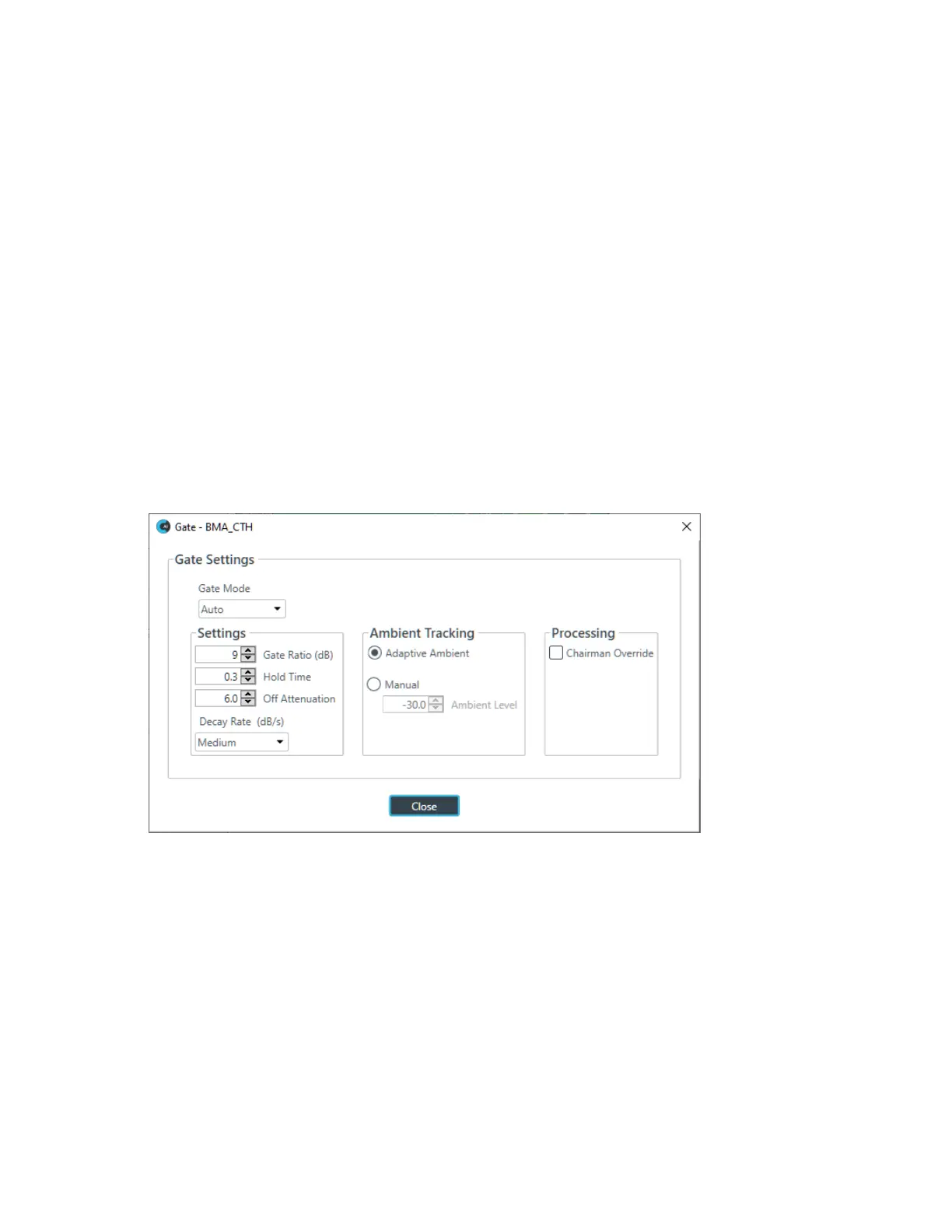
22.To set gating options, click the Gate button.
The Gate Settings dialog box appears:
23.Choose an option from the Gate Mode drop-down list, as described in the table below:
Option Description
Auto The microphone gates on or off automatically, according to the
specified settings.
Manual On The microphone is always gated on.
Manual Off The microphone is always gated off (though the way it turns off is
controlled by the specified settings.
24.(Optional) Change any of the gating settings, as described in the table below:
Option Description
Gate Ratio (Auto Only) How much louder than the ambient level the audio level must be before
the channel automatically gates on. The gate ratio range is from 0 to
50dB. The default is 15dB.
CONSOLE AI User Manual









 To Next Page