CONSOLE AI | Configuration - Offline (Huddle) | 81
Option Description
Enable Push to Talk (PTT)
Mode
PTT notifies AEC when a microphone is switchedoff, and freezes
AEC convergence until the microphone is switched back on. As a
result, PTT helps prevent AEC divergence and improves overall
AEC performance with push to talk microphones.
Note:
When the microphone is off, set the PTT Threshold slider to
the level of the Pre-Gain Meter for the channel.
13.Click Close.
Noise Cancellation
14.To turn noise cancellation on or off, click the NC button (the button changes to light green if NC is on).
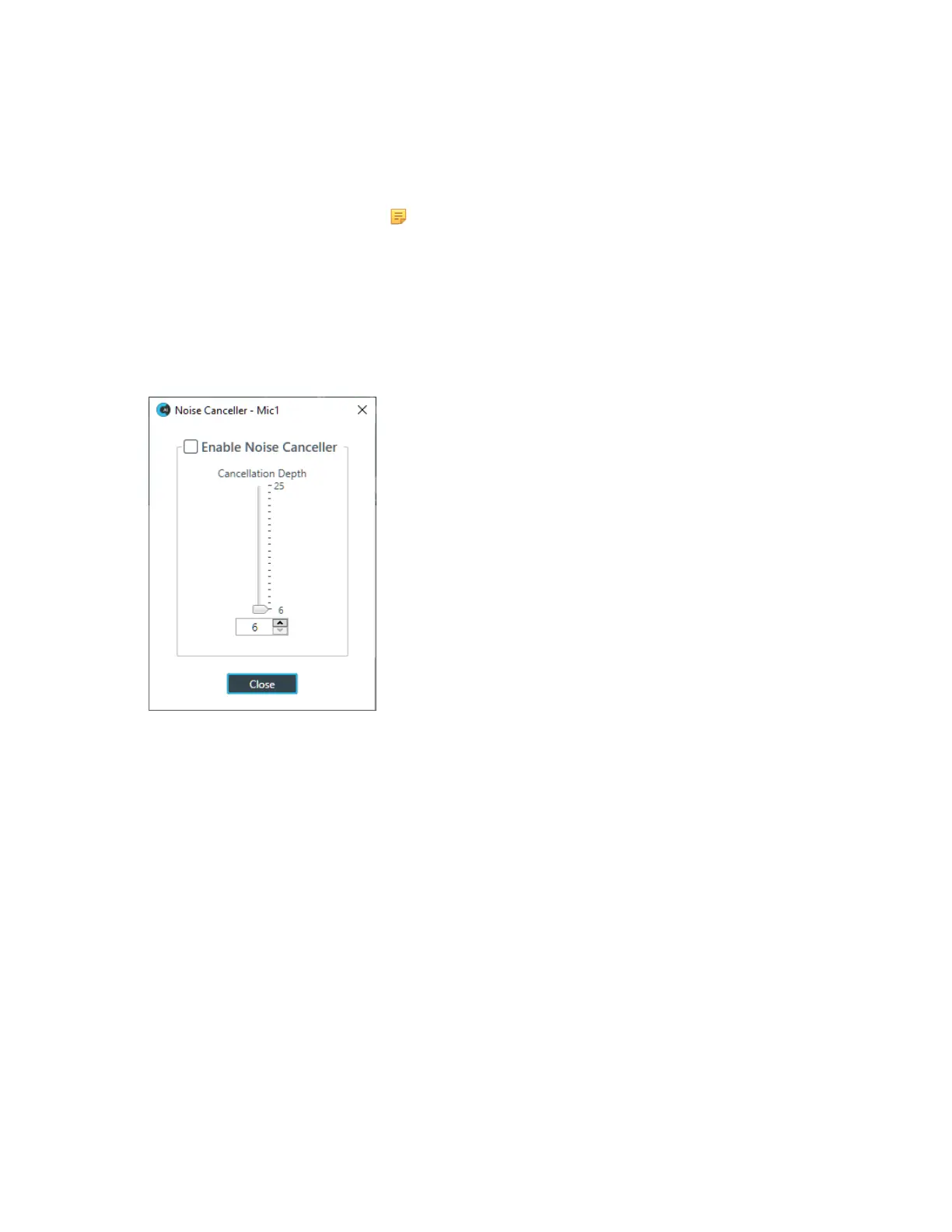
The Noise Canceller dialog box appears:
15.Check the Enable Noise Canceller check box to turn on NC.
16.Use any of the following methods to change the cancellation depth:
• Drag the slider
• Type a value in the text box
• Click the incrementer and decrementer arrows beside the text box to set the value
17.Click Close
Mute
18.To mute this channel, click the Mute button (the button changes to red if the channel is muted).
Filter
19.To enable and configure a filter, click the Filter button.
The Filters dialog box appears:
CONSOLE AI User Manual









 To Next Page