CONSOLE AI | Configuration - Offline (Huddle) | 91
1. In the Navigation panel, choose Channel Properties.
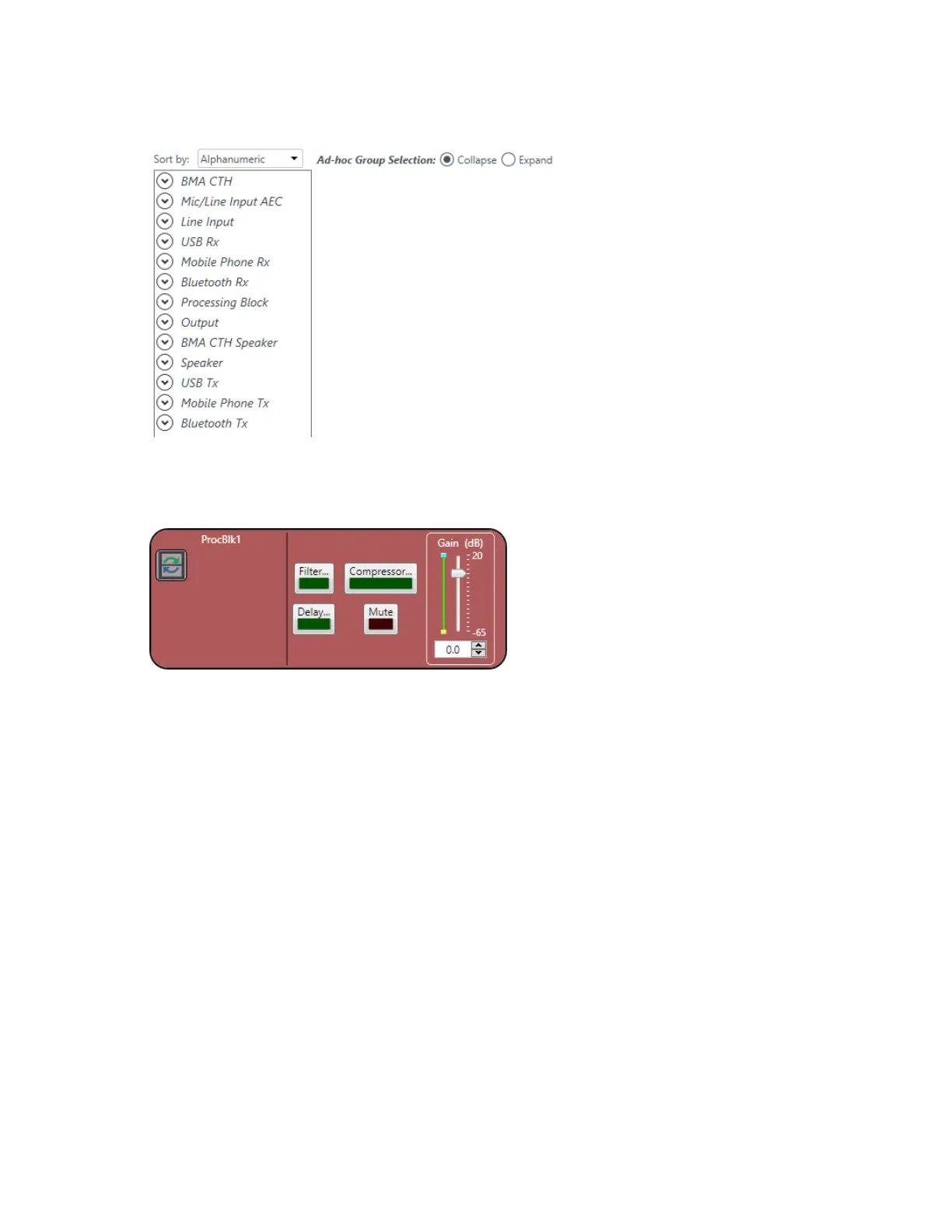
The Channel Properties screen appears:
2. Click Processing Block to open the channel list.
3. Select the channel you want to change.
The Processing Block Channel Properties block appears:
Filter
4. To enable and configure a filter, click the Filter button.
The Filters dialog box appears:
CONSOLE AI User Manual









 To Next Page