NOTE: For the circuit ID sub-option of a standalone switch, the module field is always zero.
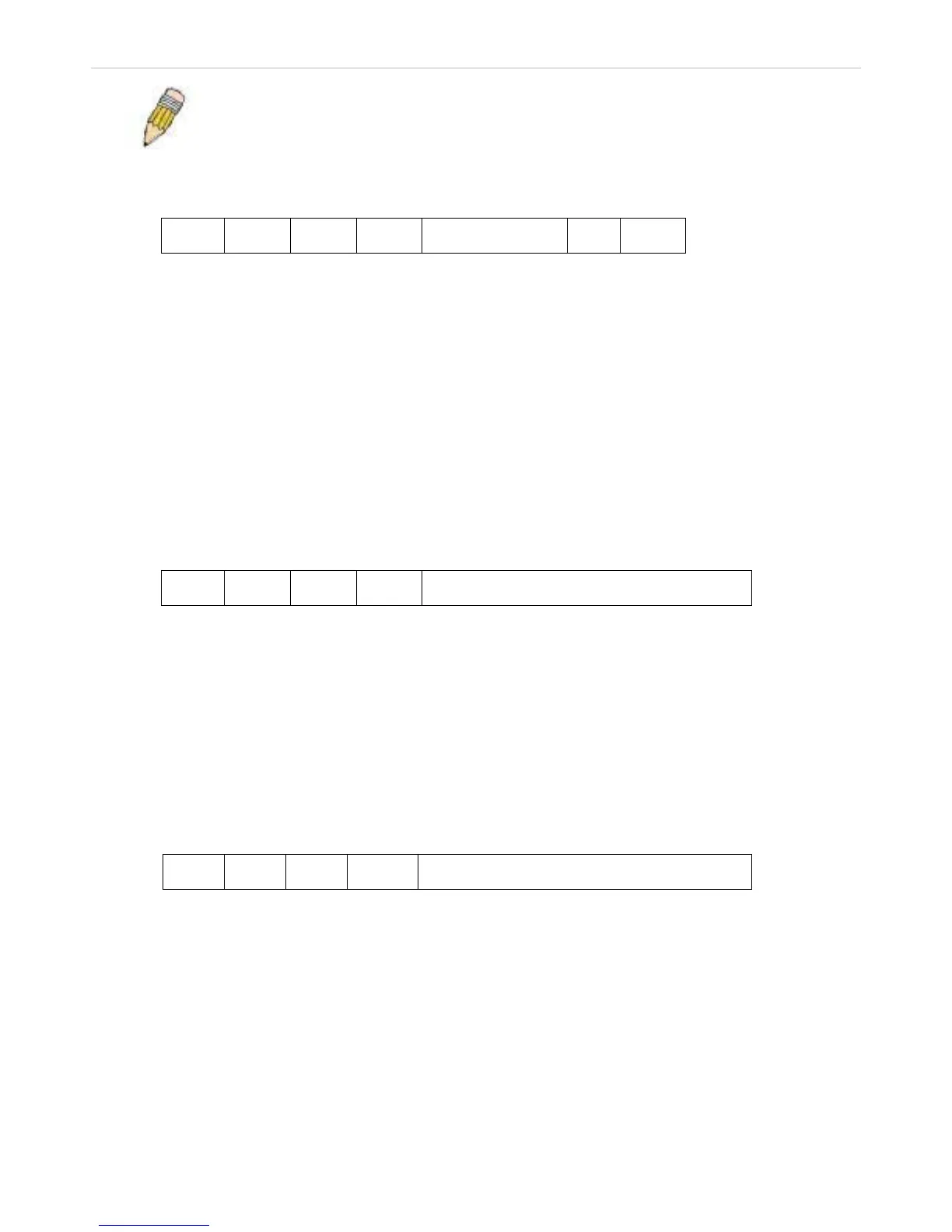
Circuit ID sub-option format:
1. 2. 3. 4. 5. 6. 7.
1 6 0 4 VLAN
Module
Port
1 byte 1 byte 1 byte 1 byte 2 bytes 1 byte 1 byte
a. Sub-option type
b. Length
c. Circuit ID type
d. Length
e. VLAN: the incoming VLAN ID of DHCP client packet.
f. Module: For a standalone switch, the Module is always 0; For a stackable switch, the Module is the
Unit ID.
g. Port: The incoming port number of DHCP client packet, port number starts from 1.
Remote ID sub-option format: (default)
1. 2. 3. 4. 5.
2 8 0 6 MAC address
1 byte 1 byte 1 byte 1 byte 6 bytes
1. Sub-option type
2. Length
3. Remote ID type
4. Length
5. MAC address: The Switch’s system MAC address.
Remote ID sub-option format:(for user-configured string)
1. 2. 3. 4. 5.
2 N+2 1 N ASCII Remote ID String (up to 127 characters)
1 byte 1 byte 1 byte 1 byte N bytes
1. Sub-option type
2. Length
3. Remote ID type
4. Length
5. User configured Remote-ID
Figure 2 - 14 Circuit ID and Remote ID Sub-option Format












 To Next Page