2-160 Service Manual
6
Check the heat roll and pressure roll.
Remove the fuser unit assembly.
Is there contamination or cracks on the heat roll and/or
pressure roll?
Replace the
fuser unit
assembly.
Go to “Fuser
unit assembly
page 4-22.
Go to step 7.
7
Check the HVPS card assembly for proper connection.
Is the above component properly connected?
Replace the
HVPS card
assembly.
Go to “HVPS
card assembly
removal” on
page 4-24.
Replace the
connections.
8
Perform a print test.
Does the problem remain?
Contact next
highest level of
tech support.
Problem solved.
Step Check Yes No
to cool down.
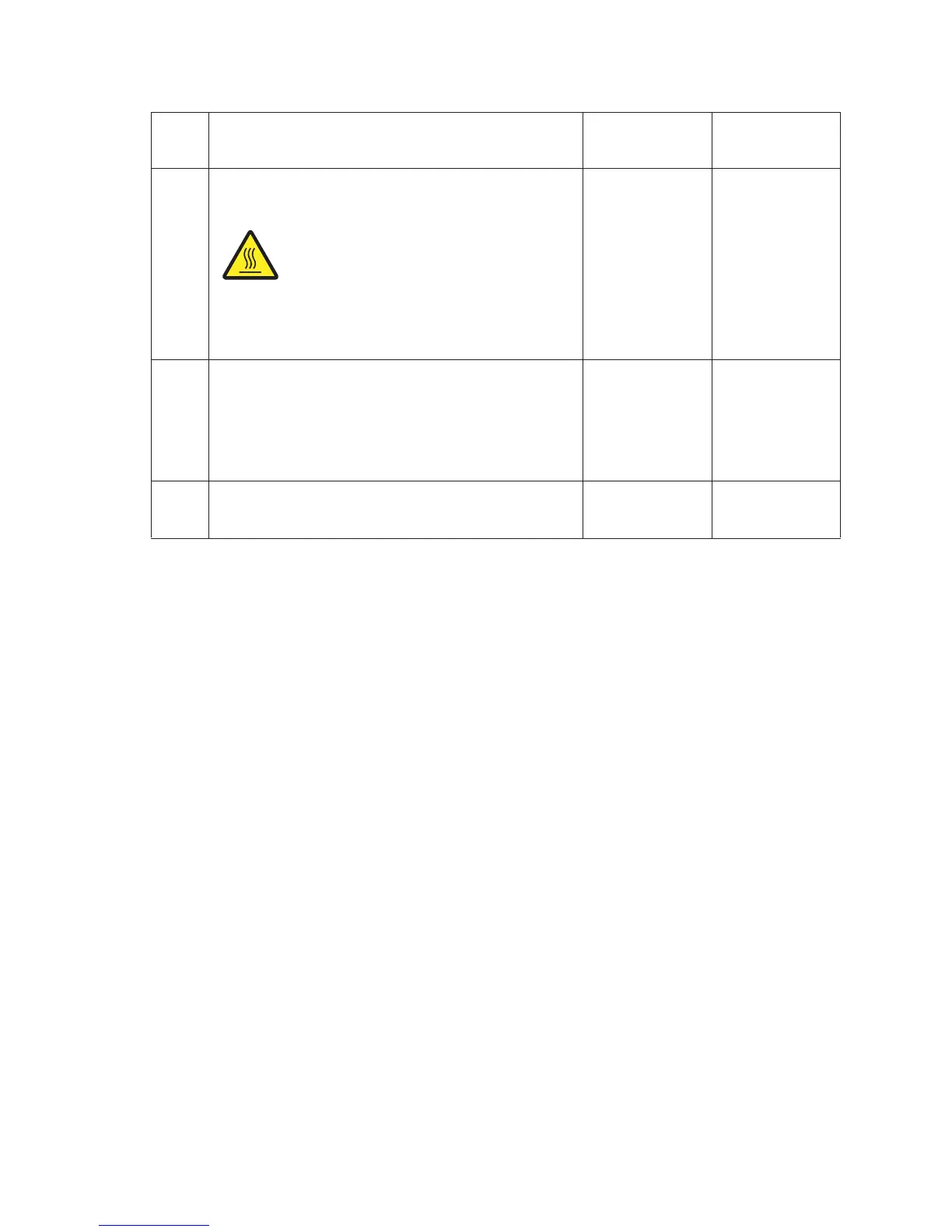
CAUTION: Allow the fuser unit assembly
removal” on















 To Next Page