Repair Information 4-17
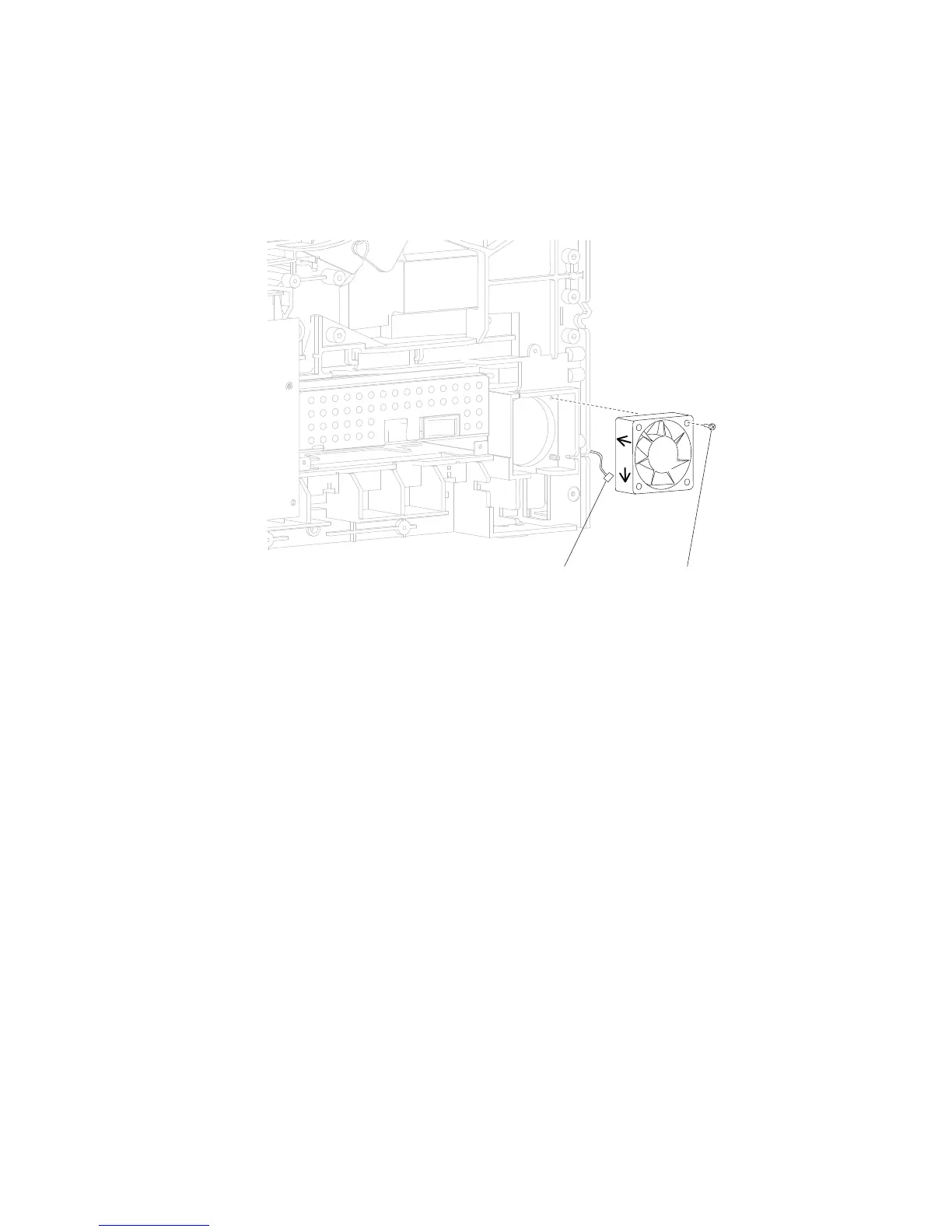
2. Remove the screw (A) securing the duplex cooling fan to the machine.
3. Disconnect the connector (B) from the duplex cooling fan.
4. Remove the duplex cooling fan.
Replacement Warning: When replacing the duplex cooling fan, ensure that it is installed as shown in the
picture.
Duplex cooling fan removal (5350dn, 5530dn, and T656)
1. Remove the side cover, right. Go to “Side cover, right removal (5350dn, 5530dn, and T656)” on
page 4-68.















 To Next Page