3-24 Service Manual
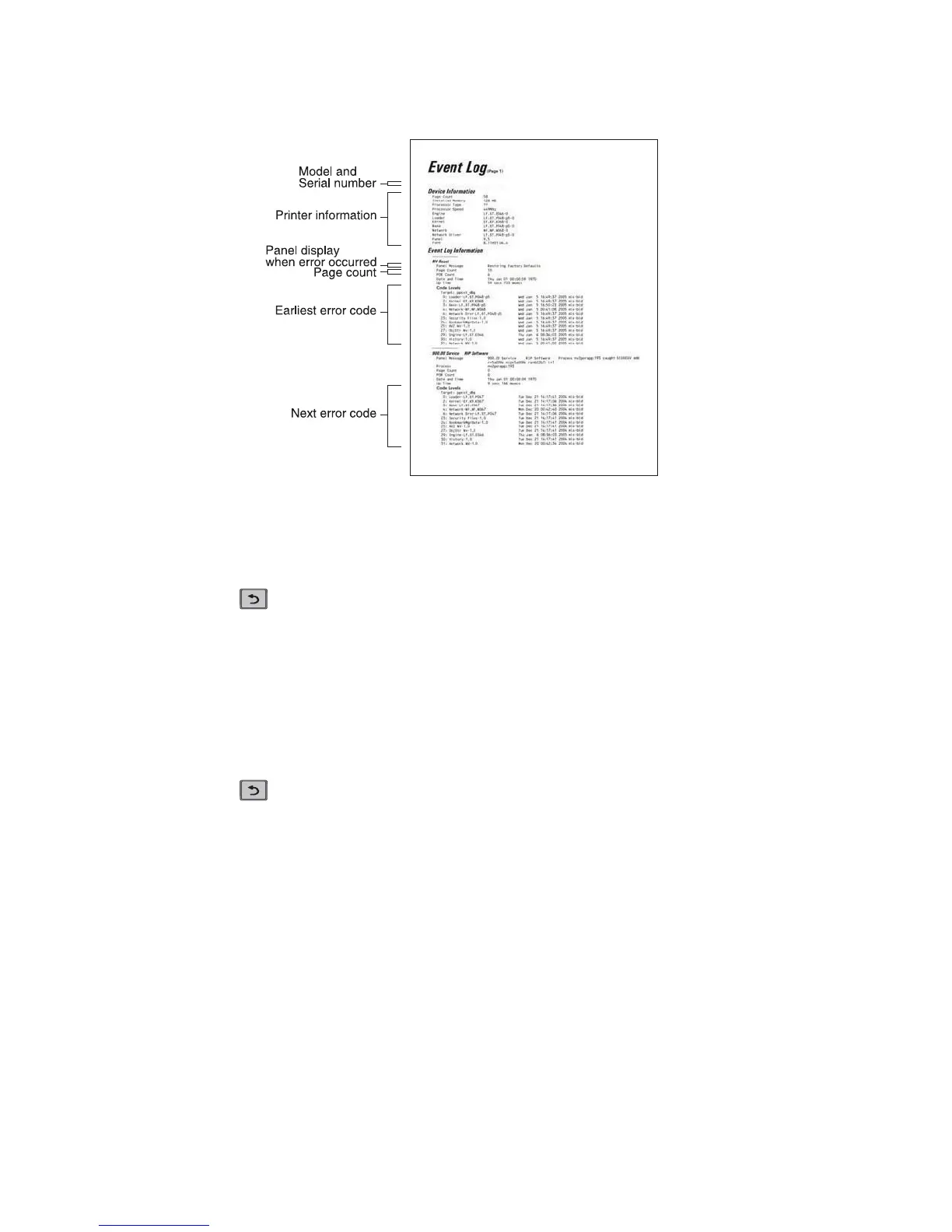
To print the event log:
Select Print Log from EVENT LOG.
Press Back to return to EVENT LOG.
Clear Log
Use Clear Log to remove the current information in the Event Log. This affects both the viewed log and the
printed log information.
1. Select Clear Log from the Event Log menu.
2. Select YES to clear the Event Log or NO to exit the Clear Log menu. If YES is selected, Deleting EVENT
LOG displays on the screen.
Press Back to return to EVENT LOG.
This selection exits Diagnostics mode, and Resetting the Printer displays. The printer performs a POR,
and the printer returns to normal mode.
The printed event log can be faxed to Dell or your next level of support for verification or diagnosis.
EXIT DIAGNOSTICS (models 5230n/dn, 5350dn, and 5530dn)
Dell 5230dn (s/n: XXXXXXXXX)
• Additional debug information in some cases















 To Next Page